What Is an AI Website Builder? | The Definitive Guide
What Is an AI Website Builder?
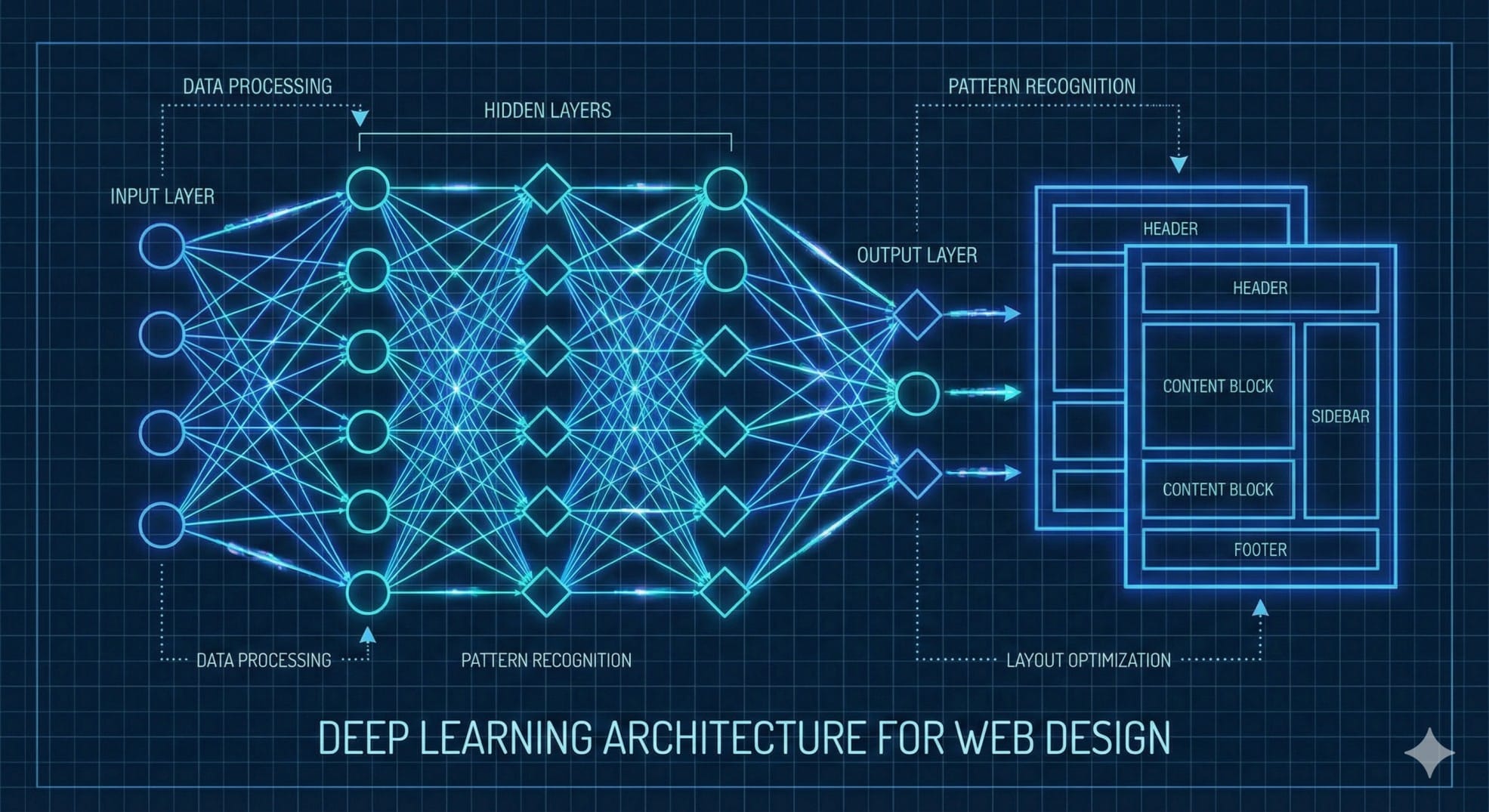
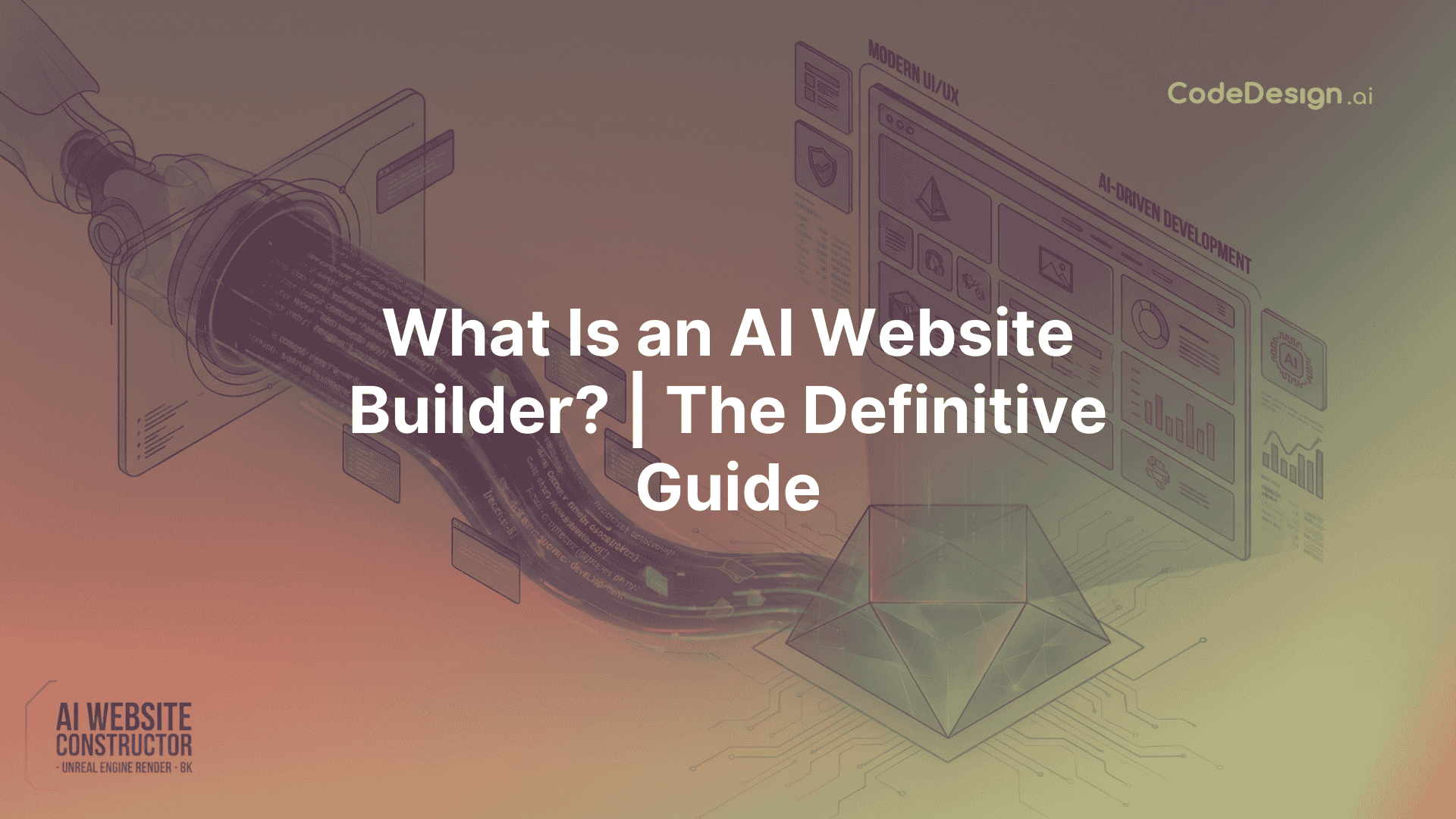
An AI Website Builder is a platform for intelligent development that uses generative AI to automate the entire web creation process. AI builders use a stack of Large Language Models (LLMs), Generative Adversarial Networks (GANs), and Computer Vision algorithms to create fully functional digital infrastructure from natural language inputs, in contrast to traditional "no-code" tools that rely on static templates and manual drag-and-drop assembly.
An AI website builder is essentially a "text-to-web" compiler. It quickly creates the required HTML, CSS, JavaScript, and React components after interpreting the user's semantic intent (for example, "Build a high-conversion landing page for a SaaS fintech startup targeting Gen Z"). Beyond code, these systems condense a process that typically takes weeks into minutes by concurrently producing context-aware copy, curating brand-aligned visual assets, and optimizing the User Interface (UI) for engagement.
AI builders are now more than just prototyping tools in the 2025 web stack; they are production-grade engines that can create websites that are responsive, SEO-optimized, and profitable, competing with hand-coded apps in terms of accessibility and performance.
How Do AI Website Builders Work?
We need to look "under the hood" at the coordination of several AI disciplines in order to comprehend how a platform such as CodeDesign.ai creates a website. It is a pipeline of specialized agents operating in parallel rather than a single model.
1.Natural Language Processing (NLP) and Intent Analysis
Natural language processing (NLP) is the first step in the process. The system does more than simply search for keywords when a user enters a prompt; it also examines the semantic connections between words to create a "project manifest."
· Entity Extraction: The AI determines the target location ("Seattle"), the service modality ("Emergency appointments"), and the core entity ("Dental Clinic").
· Sentiment analysis determines the desired tone, which will subsequently determine the color scheme and copywriting style. This tone can be professional, playful, urgent, or opulent.
· Feature Mapping: Technical requirements are derived from implicit requests. When a user requests a "store," for example, the NLP layer indicates that an inventory database and a checkout user interface component are required.
2. Generative Layout Synthesis (The Design Engine)
· Once the intent is parsed, it is passed to the Generative Design Engine. Unlike template-based systems that swap images in a fixed grid, generative engines construct layouts dynamically.
· DOM Tree Construction: The AI builds the Document Object Model (DOM) tree from scratch. It decides that a "hero section" should be followed by "social proof" (logos) and then a "features grid" based on high-converting patterns found in its training dataset.
· Spatial Awareness: Using principles from Computer Vision, the engine analyzes the spatial relationships between elements. It calculates padding, margins, and whitespace to ensure the layout "breathes" and adheres to the Golden Ratio, preventing the cluttered look often associated with amateur design.
3. Copy Creation & Content Intelligence
The quality of a website depends on its content. Generative Text Models, which resemble GPT-4 architecture, fill the wireframe concurrently with the design process.
· Contextual Copywriting: The AI creates unique H1 headlines, subheadings, and body pavragraphs tailored to the particular sector. It employs forceful, action-oriented syntax for a gym and authoritative, comforting language for a law firm.
· SEO Optimization: Search Engine Optimization (SEO) principles are used to train the models. They automatically add pertinent keywords to headers, alt-text, and meta-tags so that Google can index the website as soon as it is published.
4. Code Synthesis and Assembly of React Components
Converting textual and visual decisions into executable code is the last step.
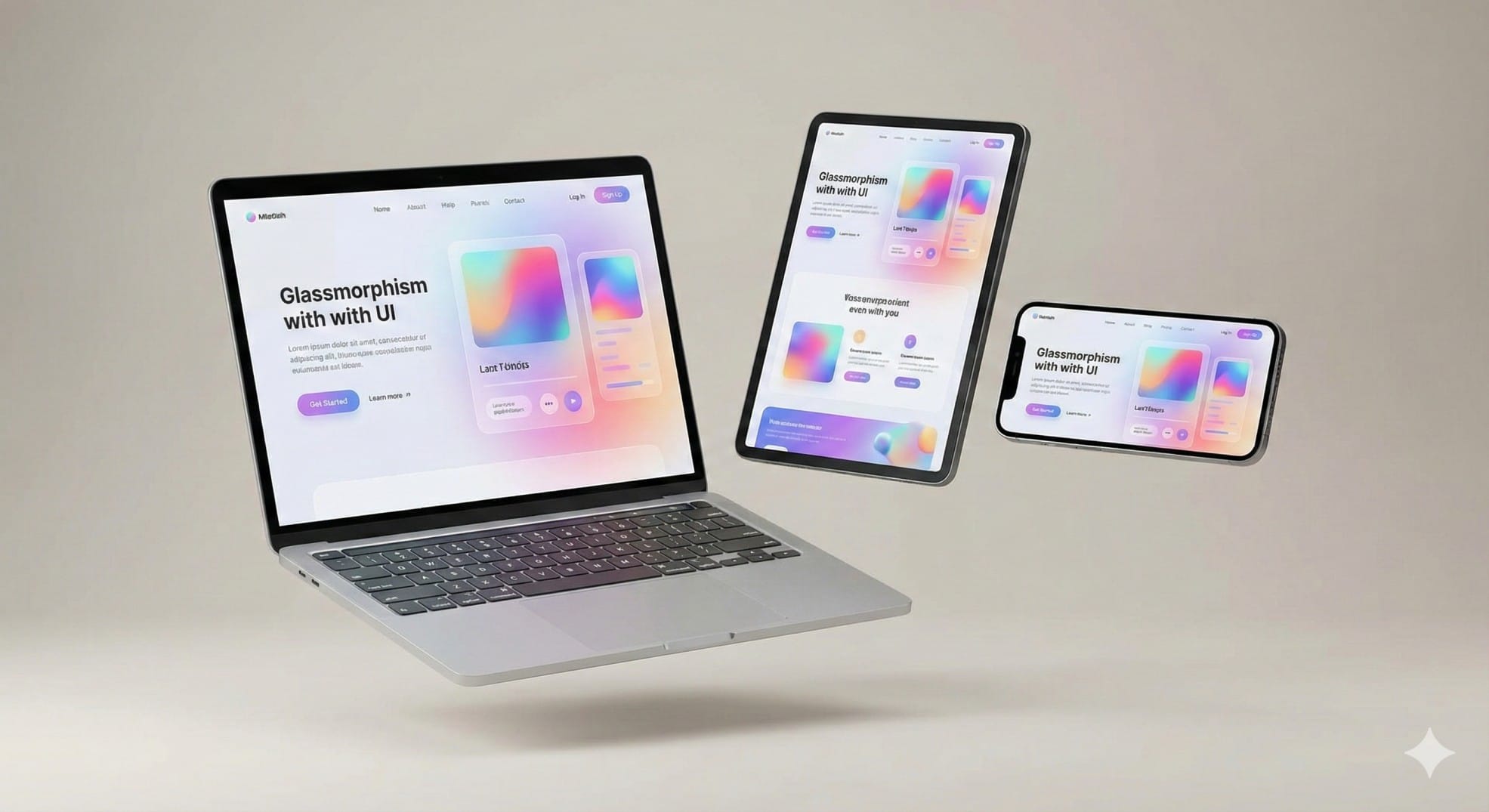
· Component Libraries: CodeDesign.ai makes use of an extensive collection of React components. As a senior developer, the AI puts these pre-made, tested components (navbars, forms, and footers) together to create a seamless application.
· Responsive Logic: The code is naturally responsive. The layout seamlessly adjusts to desktop, tablet, and mobile screens without the need for human intervention thanks to the AI's automatic writing of CSS media queries.
AI vs. Traditional Web Development vs. Templates
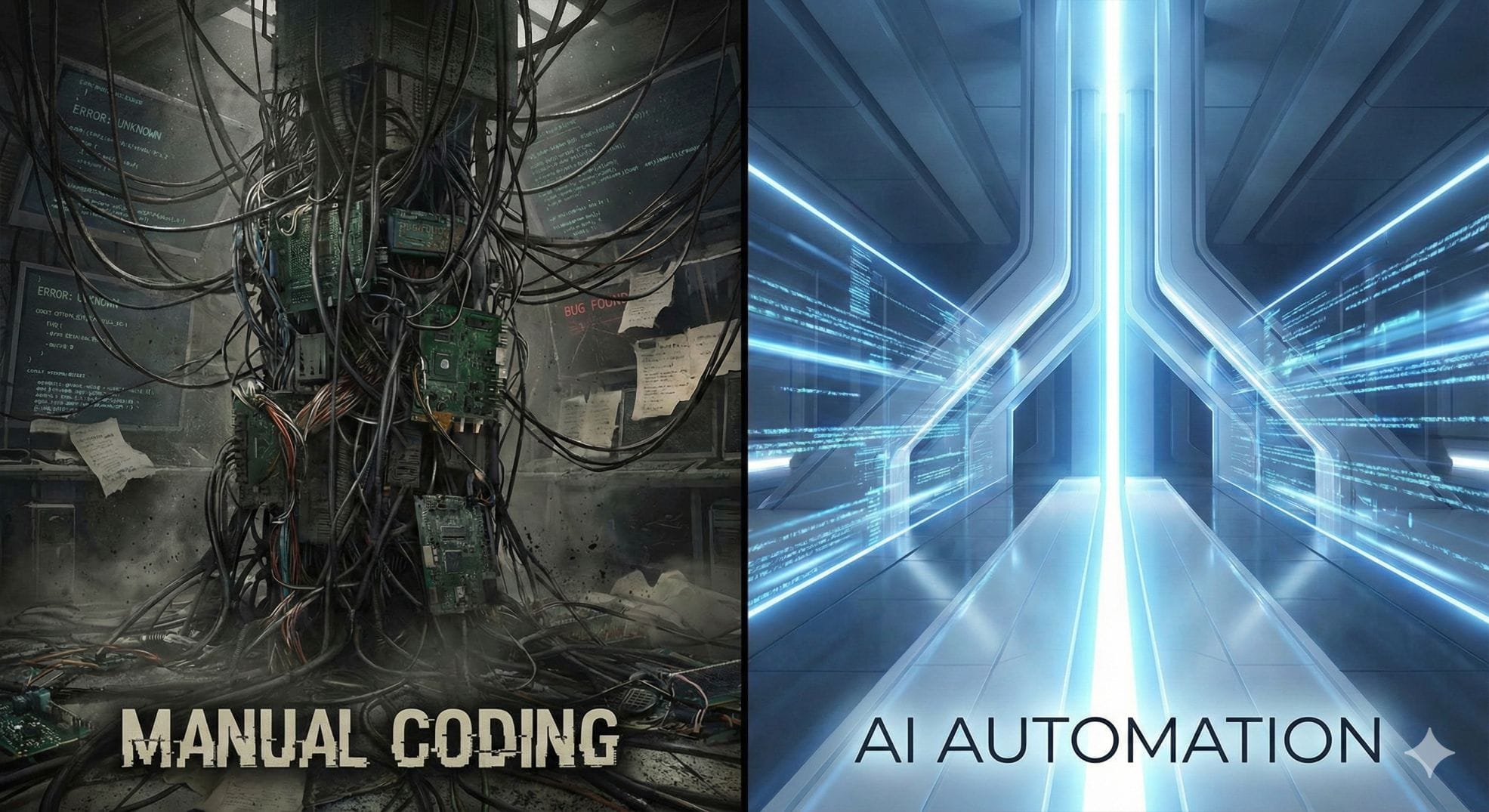
The web creation landscape has changed. The two prevalent legacy approaches—Traditional Custom Development and Template-Based Builders (such as Squarespace and earlier Wix versions)—are contrasted with AI Website Builders.
|
Feature |
AI Website Builder (e.g., CodeDesign.ai) |
Traditional Development (Agency/Dev Shop) |
Template Builders (Legacy No-Code) |
|
Speed to Deployment |
Minutes. (Instant generation + rapid refinement) |
Weeks/Months. (Design -> Dev ->
QA cycles) |
Hours/Days. (Manual drag-and-drop & content entry) |
|
Cost Efficiency |
Low. (Subscription-based, often <$50/mo) |
High. ($5k - $50k+ upfront investment) |
Medium. (Subscription + cost of premium themes) |
|
Customization |
Dynamic. AI generates unique layouts based on
prompts. |
Unlimited. Full control over every line of code. |
Rigid. Restricted by the chosen template's
structure. |
|
Technical Skill |
None. Natural language is the interface. |
High. Requires HTML/CSS/JS/Backend knowledge. |
Low. Requires eye for design & patience with
UI tools. |
|
Maintenance |
Automated. AI handles updates & hosting. |
Manual. Requires retainer for security/plugin
updates. |
Managed. Platform handles hosting, user handles
design updates. |
The Benefit of "Hybrid"
The fact that contemporary AI builders don't lock you out of the code is their most potent feature. For example, CodeDesign.ai provides a hybrid workflow. AI can handle the repetitive heavy lifting for 80% of the site, and the remaining 20% can be manually refined using a visual editor or code export features. This allows developers to combine the accuracy of hand-coding with the speed of automation.
Key Benefits of AI-Driven Design
1.The "Blank Page" Issue Resolved
Starting from scratch is the largest obstacle in web design. Creativity is paralyzed by staring at a blank canvas. This is eliminated by AI builders, who provide a "High-Fidelity Draft" instantly. Even if the final product isn't flawless, it offers a strong base—a functional prototype with colors, structure, and copy—that users can refine. The user's role is changed from "builder" to "editor," resulting in a much quicker psychological workflow.
2. Democratization of Business Quality
High-end features like responsive grids, sticky headers, and animations were traditionally the purview of pricey agencies. AI models "know" how to apply these premium design cues by default because they are trained on websites that have won awards. Now, a local bakery can create a website that is both aesthetically pleasing and technically comparable to a national franchise.
3. Accessibility & Dynamic SEO

The majority of do-it-yourselfers neglect to properly structure their HTML headers (H1 vs. H2) or add alt tags to images. This semantic structuring is automatically handled by AI builders.
Accessibility: By adhering to WCAG (Web Content Accessibility Guidelines), the generated code guarantees clear color contrast and screen reader compatibility.
Performance: Compared to human-written "spaghetti code," AI-generated code is frequently cleaner. Higher Google PageSpeed scores result from avoiding superfluous CSS classes and optimizing asset loading.
Real-World Applications & Use Cases
The AI By facilitating "Just-in-Time" web generation, website builders are revolutionizing particular industries.
1. A/B testing for marketing and advertising campaigns
To find the best landing page, dozens of them must be tested in modern digital marketing. For most teams, creating 20 different variations by hand is not feasible.
The AI can be instructed by a marketer to "create 5 variations of this landing page, one focusing on price, one on luxury, and one on speed."
As a result, the AI instantly creates five unique websites with various layouts and copy. The Cost Per Acquisition (CPA) can be significantly decreased by deploying these to ad networks right away.
2. Quick Prototyping for Product Supervisors
Before allocating engineering resources, product teams frequently need to visualize an idea to gain support from stakeholders.
Application: "Create a dashboard interface for a logistics SaaS showing a map and a list of active trucks." can be prompted by a product manager.
As a result, the AI creates a realistic-looking visual prototype. This can be used in user interviews or pitch decks to validate the idea early and avoid wasting thousands of dollars on development time.
3. Transformation of Local Small Businesses
Because they are afraid of the complexity of websites, millions of SMBs rely on Facebook pages.
For example, a plumber can type "I fix leaks, install heaters, and offer 24/7 emergency service in Chicago."
As a result, the AI instantly professionalizes the company by creating a website with a "24/7 Emergency" banner, a "Request Quote" form, and service pages for each individual offering.
The Future of AI Web Design
By 2025, AI website builders will have transformed from "generators" to "active agents."

1. Adaptive & Self-Healing Websites
AI web tools of the future won't simply create a website and walk away. They will keep an eye on it constantly.
Scenario: The AI will automatically recommend (or implement) a layout change to address the friction point if it notices that users are rage-clicking on a particular button or stopping at the pricing page. This is CRO, or autonomous conversion rate optimization.
2. Excessive Customization
Websites that are static are dying. Future AI websites will automatically regenerate themselves according to the visitors.
Situation: The AI may dynamically change the homepage headlines to highlight "Affordability" if a visitor comes from a "Budget Travel" blog. The same URL may display with a "Premium Experience" focus if another visitor comes from a "Luxury Lifestyle" magazine.
3. Interfaces for Voice-to-Code
The keyboard will become optional as multimodal LLMs advance. While viewing the preview, users will be able to vocally dictate changes.
User: "Change the background to a sunset gradient and enlarge the logo."
System: Immediately applies the CSS modifications.
Glossary of Terms
Generative UI (GenUI) is a design methodology in which designers do not hardcode user interfaces; instead, AI generates them dynamically based on context and user needs.
Prompt engineering is the skill of organizing text inputs to direct an AI model toward a particular, superior result. This entails defining audience, functionality, and style in the prompt when building websites.
The ability of an AI model to write code that computes layout proportions mathematically for various screen sizes (desktop, mobile) without the need for human manual adjustment is known as responsive synthesis.
In design, a hallucination occurs when an AI creates a visual element that appears realistic but is not functional (e.g., a button that leads nowhere, or text that loops). This risk is reduced by contemporary validators in programs like CodeDesign.ai.
Headless CMS: A content management system in which the frontend (design) and backend (content) are kept apart. In a Headless CMS, AI builders frequently serve as the "head" that displays data.
Conclusion
An important change in the internet's architecture is represented by the AI Website Builder. It is shifting the focus of web development from fine-grained pixel and code manipulation to strategy and intent orchestration.
It is a superpower that eliminates tedium for developers. It serves as a link between a brilliant idea and a successful launch for entrepreneurs. Leading this revolution is CodeDesign.ai, demonstrating that human creativity can be unleashed when the barrier of code is removed.
Ready to build? Enter your prompt at CodeDesign.ai and see your vision materialize in seconds.
- What is your brand name?
- What kind of business you are in?
- What kind of products or services you offer?