





4 MILLION +
sites
have already
been built

4 MILLION +
sites
have already
been built
حل الدفع لكوديديزاين
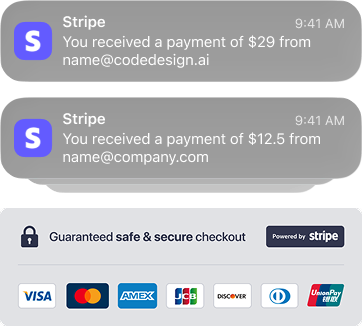
Securely collect customer payments with our AI Website Builder, integrated with Stripe for scalability and minimal loss.






How it works
كيف يعمل
تكامل Stripe بسيط وآمن مع Codedesign.ai
قم بإنشاء كتلة تصميم واجهة المستخدم باستخدام الذكاء الاصطناعي
قم بوصف منتجك أو عملية الدفع الخاصة بك، وسيقوم الذكاء الاصطناعي الخاص بنا على الفور بإنشاء كتلة واجهة مستخدم سريعة الاستجابة لعمليات الشراء، دون الحاجة إلى رمز.
Connect Checkout with Stripe
قم بتوصيل حساب Stripe الخاص بك في إعدادات مشروع CodeDesign.ai لتمكين معالجة الدفع.
How to explore guides
كيفية استكشاف الأدلة
مقالات المساعدة والأدلة وأفضل الممارسات.
منتدى الإصدار
استكشف مقالات المساعدة المحدثة في كل تحديث ويتم الاحتفاظ بها للحصول على أفضل الإرشادات.
Stay updated with the latest news and blog posts from CodeDesign.AI. Explore insights and updates on AI and design.اكتشف البرامج التعليمية المحسّنة لـ Codedesign.ai! قم بزيارة قوائم تشغيل Youtube الخاصة بنا أيضًا.
ميّز سوقك
طوّر أعمالك مع سترايب + Codedesign.ai
أطلق العنان لنمو الأعمال باستخدام Stripe و Codedesign.ai! توفر شراكتنا القوية حلول دفع شاملة واستراتيجيات الخبراء للارتقاء بعلامتك التجارية وتبسيط العمليات ودفع التوسع المستدام. استكشف منصتنا المتكاملة وقم بتحويل عملك اليوم.
Comprehensive Product selling
بيع المنتج الشامل
SaaS Subscriptions
Events Bookings
حجوزات الأحداث
بالنسبة لشركات المنتجات والخدمات التي تعطي الأولوية لتوليد الإيرادات، توفر مواقع CodeDesign.ai تكاملاً سلسًا لـ Stripe. تعمل منصتنا المدعومة بالذكاء الاصطناعي على ربط موقع الويب الخاص بك على الفور لتأمين عمليات الدفع، مما يتيح تحصيل المدفوعات الديناميكية وزيادة المبيعات عبر الإنترنت.
كيفية إضافة منتج والاتصال بـ Stripe على CodeDesign.
Frequently Asked Questions
أسئلة متكررة

Integrating Stripe into your website builder is straightforward with platforms like CodeDesign.ai. You simply need to connect your Stripe account to the builder through the integrations section, set up your payment options on the checkout page, and link your products to Stripe for smooth transactions. in Short; Go to your project dashboard, navigate to Integration → Stripe Integration, and follow the prompts to link your Stripe account.
نعم! يمكنك توصيل نطاقك المخصص بمشروع CodeDesign الخاص بك. في الخطة المجانية، يمكنك فقط ربط موقع ويب واحد بنطاق واحد بحساب.
Yes, CodeDesign.ai allows you to easily add products to your sales funnel/sites, including setting up product names, descriptions, prices, and billing periods. These products are linked to your checkout page, making it easy for customers to purchase directly through Stripe.
يعد دمج Stripe في أداة إنشاء مواقع الويب الخاصة بك أمرًا سهلاً مع منصات مثل CodeDesign.ai. تحتاج ببساطة إلى ربط حساب Stripe الخاص بك بالمنشئ من خلال قسم التكامل، وإعداد خيارات الدفع الخاصة بك على صفحة الخروج، وربط منتجاتك بـ Stripe لإجراء معاملات سلسة. باختصار؛ انتقل إلى لوحة تحكم مشروعك، وانتقل إلى التكامل → Stripe Integration، واتبع التعليمات لربط حساب Stripe الخاص بك.
To optimize your checkout page for SEO in CodeDesign.ai, focus on including keywords related to your products, creating clear and concise meta descriptions, and ensuring a fast load time. Also, make sure your checkout page is mobile-friendly and secure, which can improve user experience and search rankings.
What are the benefits of using Stripe for my sites/sales funnel?
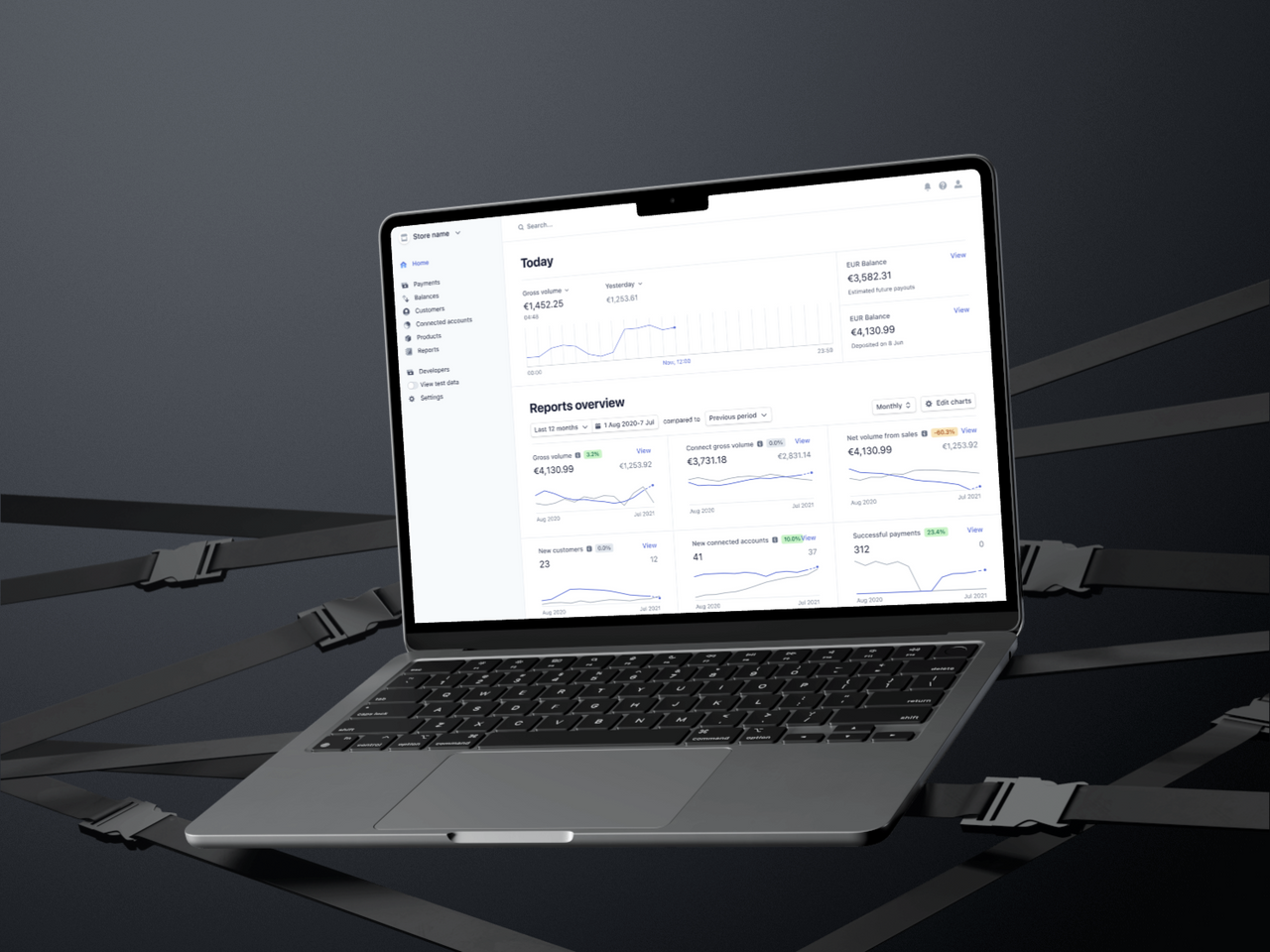
Using Stripe for your codedesign sites/sales funnel offers multiple benefits, including secure payment processing, easy integration with website builders like CodeDesign.ai, and the ability to accept payments globally. Stripe's user-friendly dashboard also allows you to track transactions, manage subscriptions, and offer a seamless customer experience.
Do I need a Stripe account to receive payments?
لا، دمج روابط الدفع في CodeDesign.ai هو عملية بدون كود. ما عليك سوى استخدام أداة السحب والإسقاط لإضافة مكونات الدفع وتكوينها باستخدام رابط مزود الدفع الخاص بك.
يوفر استخدام Stripe لمواقع/مسار المبيعات الخاص بك مزايا متعددة، بما في ذلك معالجة الدفع الآمنة والتكامل السهل مع منشئي مواقع الويب مثل CodeDesign.ai والقدرة على قبول المدفوعات عالميًا. تتيح لك لوحة معلومات Stripe سهلة الاستخدام أيضًا تتبع المعاملات وإدارة الاشتراكات وتقديم تجربة سلسة للعملاء.

Yes! CodeDesign offers options to optimize your website for SEO.
نعم! تقدم CodeDesign خيارات لتحسين موقع الويب الخاص بك لتحسين محركات البحث.
Yes! You can share a project you are working on to anyone who has a CodeDesign account.
نعم! يمكنك مشاركة مشروع تعمل عليه مع أي شخص لديه حساب CodeDesign.
Yes! You can connect your custom domain to your CodeDesign project. In free plan, you can only connect one website to one domain with an account.
لتحسين صفحة الدفع الخاصة بك لتحسين محركات البحث في CodeDesign.ai، ركز على تضمين الكلمات الرئيسية ذات الصلة بمنتجاتك، وإنشاء أوصاف تعريفية واضحة وموجزة، وضمان وقت تحميل سريع. تأكد أيضًا من أن صفحة الدفع الخاصة بك متوافقة مع الجوّال وآمنة، مما يمكن أن يحسن تجربة المستخدم وتصنيفات البحث.
No, integrating payment links in CodeDesign.ai is a no-code process. Simply use the drag-and-drop builder to add payment components and configure them with your payment provider's link.
اكتشف حل موقع الويب الخاص بنظام التذاكر الديناميكي codedesign.ai للمؤتمرات والأحداث وتذاكر الأفلام. قم بدمج معالجة الدفع والإشعارات والنوافذ المنبثقة الخاصة بـ Stripe بسلاسة. قم ببناء منصة عالية الجودة لتحسين تجربة المستخدم وزيادة المبيعات.
After setting up the payment link:
1.Use the Preview feature in CodeDesign.ai to simulate the user experience.
2.Ensure that the payment component redirects correctly and functions as expected.
3.Make any necessary adjustments based on your testing.
بعد إعداد رابط الدفع:
1. استخدم ميزة المعاينة في CodeDesign.ai لمحاكاة تجربة المستخدم.
2. تأكد من إعادة توجيه مكون الدفع بشكل صحيح ويعمل كما هو متوقع.
3. قم بإجراء أي تعديلات ضرورية بناءً على الاختبار الخاص بك.
3.Consult the CodeDesign.ai Help Center
for troubleshooting tips or contact their support team for assistance.
الشؤون القانونية والسياسات
مولد الفقرة بالذكاء الاصطناعي
مولد مجاني لتعليقات الوسائط الاجتماعية بالذكاء الاصطناعي
Resources
قوالب مواقع الوكالة
SEO Content Tools
مولد محتوى الذكاء الاصطناعي
مولد فكرة المحتوى
Community
Legal & Policies
أداة إعادة الصياغة
مولد محتوى الذكاء الاصطناعي

For your security, all data is yours & all orders are processed via Stripe.
©2021-2026 CodeDesign, Inc. All rights reserved.


