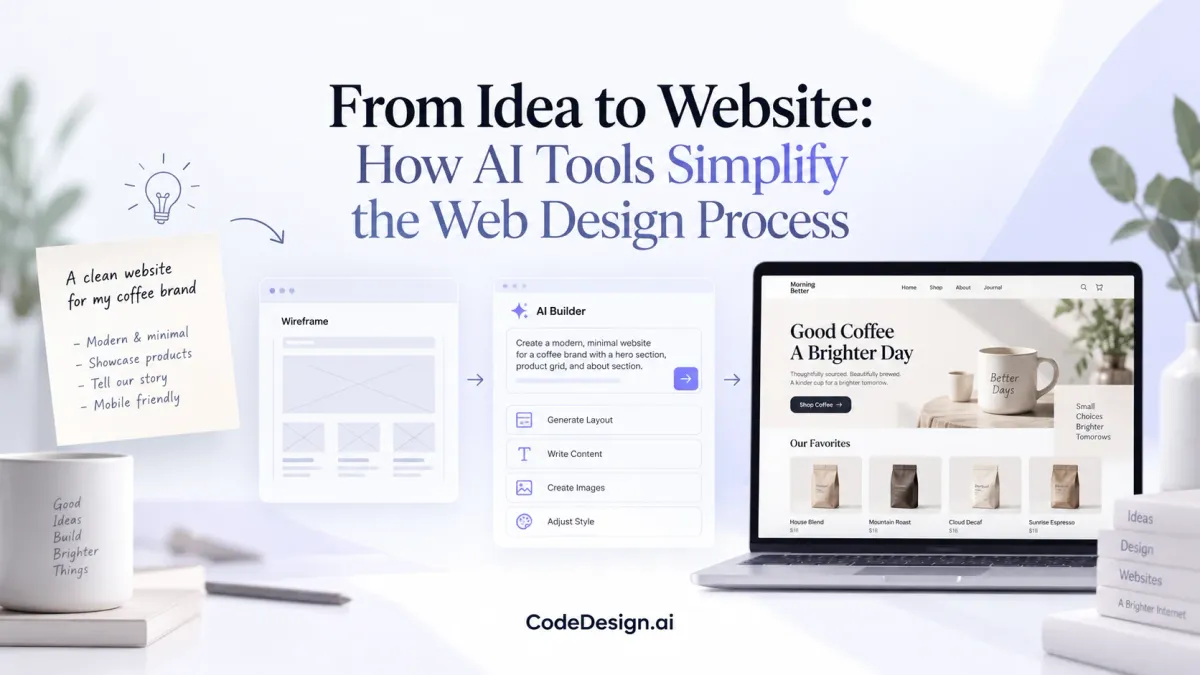
From Idea to Website: How AI Tools Simplify the Web Design Process
Creating a website used to be a very slow process. You had to create layouts from scratch, pick the right visuals, and write copy that sells, not to mention the constant coding, where one small mistake could throw off the entire website.
And if you didn’t have a web developer, you likely patched your site together with a generic template, questionable plugins, and good vibes. (Don’t ask me how I know … 😂)
Thankfully, AI web design tools are transforming that process. With a simple prompt, you can now generate a complete website draft that’s ready to edit.
In this guide, I’m pulling back the curtain on how AI web design tools make web design easier. I’ll also walk you through what to look for in an AI website builder, how to use one, and what to do during and after your website build.
Let’s take a look. 👇
What are AI web design tools?
AI web design tools are platforms that use artificial intelligence to create websites based on a few inputs. These are no-code tools. You describe your business, your goals, or the type of site you want, and the tool generates a layout, basic content, and design direction.
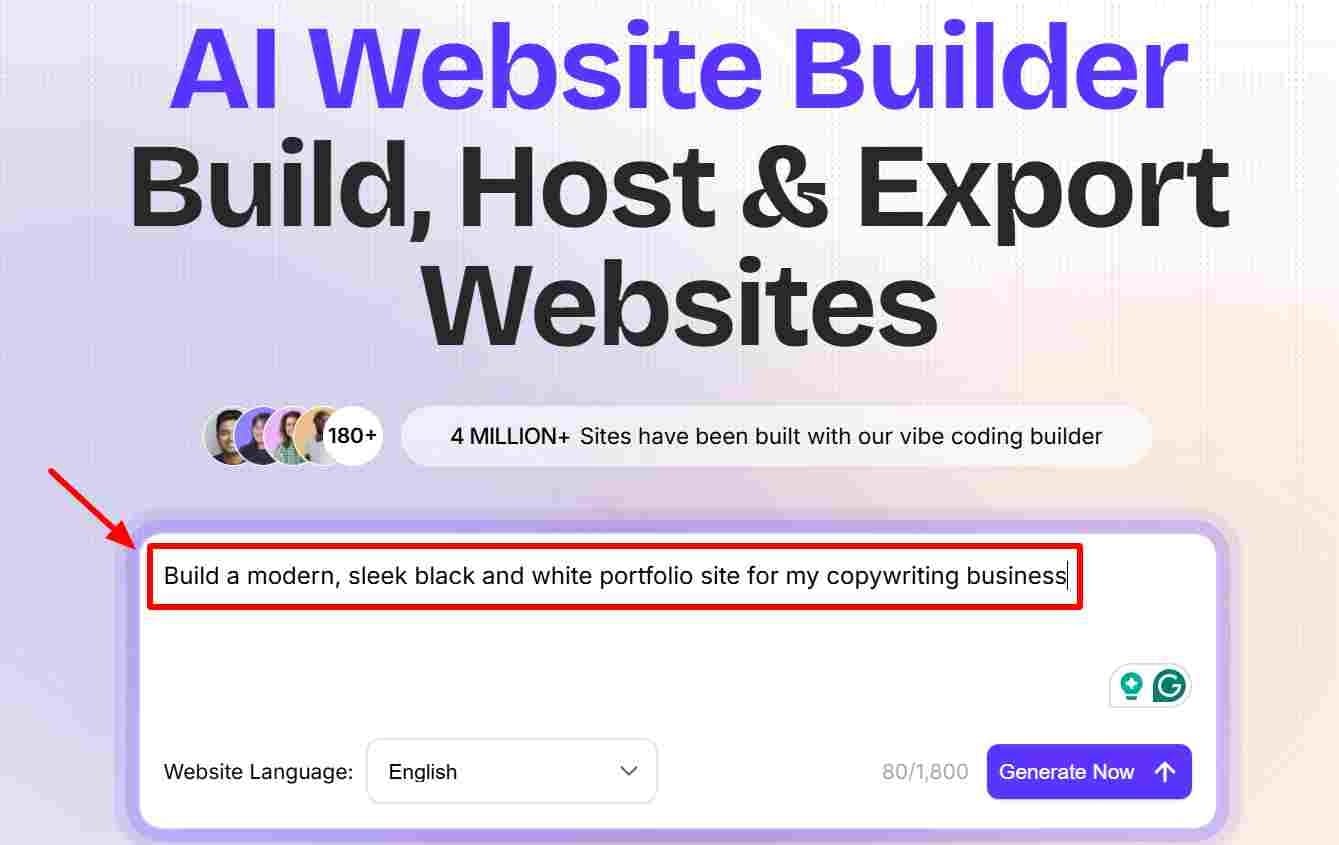
(Image by Ioana)
AI Website Build Prompt
Instead of starting from scratch, you’re working from a draft. That’s the key difference.
Most tools can handle structure, visuals, and copy in one pass. You still make the decisions, but the heavy lifting at the beginning is done for you.
How AI web design tools make the web design process easier
While early AI design assistants required constant prompting for every small change, newer systems are moving toward concepts such as agentic AI. These autonomous agents can run multi-step workflows in the background.
For example, they can spot accessibility issues, optimize images, and test layout variations so you can spend less time nudging the tool to generate the results you want.
Here’s how agentic AI tools make web design easier:
- They remove the blank starting point. Starting a website from nothing can slow you down before you even begin. AI tools give you something concrete right away (a layout, sections, and content you can react to). This head start alone makes the process feel more manageable. No more staring at a blank screen in total agony. 😑
- They speed up early-stage design. With an AI site builder, you can generate your first-stage design in minutes. It may not be perfect, but you’ll have a legit rough draft you can start editing and improving.
- They handle the basic structure for you. Most tools automatically arrange your content into a logical flow. You’ll typically see a clear starting point, supporting sections, and a call to action (CTA) without having to map it all out yourself.
- They help with content generation. AI can fill in headlines, short descriptions, and section copy based on your input. Some of it will feel generic. Still, editing existing text and adding in your own natural language is easier than writing everything from scratch, especially when you’re trying to get momentum.
- They make iteration faster. You don’t have to rebuild your site every time you want to try something new. Change a prompt, adjust a section, regenerate a layout. It’s quick. This makes it easier to explore different directions without getting stuck.
- They lower the barrier to entry. You don’t need design experience or coding skills to get a site up and running. The tool handles the technical side so you can focus on the bigger picture.
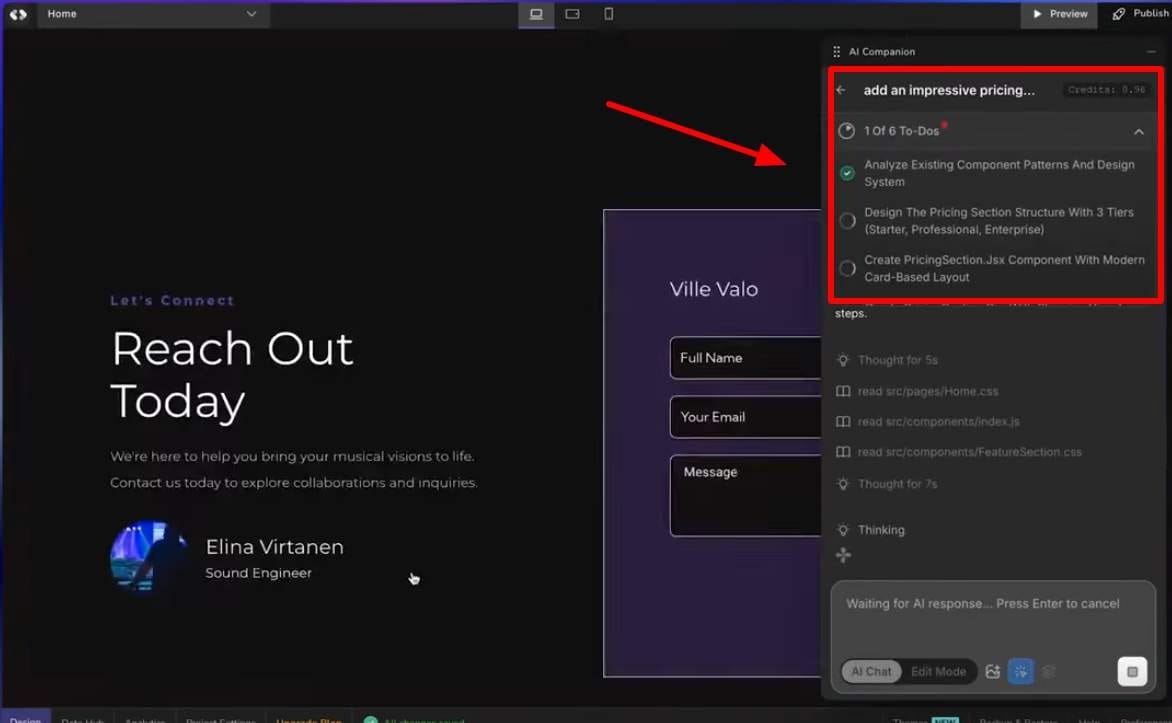
AI Website Build Prompt
While these benefits make AI tools attractive, they also come with tradeoffs that affect quality, flexibility, and long-term performance.
That said, there are some considerations you should be aware of when using an AI website builder. 👇
Considerations when building websites with AI web design tools
It doesn’t matter which method you choose when building your website. Whether you build it from scratch yourself, hire a developer, or use an AI tool, there’s always a tradeoff.
Here are some things to keep in mind when building your site with AI:
Generic outputs that blend in
AI tools are great at producing pretty decent, functional designs. The problem is, a lot of them look the same. Since these systems rely on common patterns, they tend to recreate what already works across the web.
This leaves you with a site that feels familiar … but not particularly memorable unless you step in and shape it, which I’ll share more about in a bit.
Speed comes at the cost of depth
You can go from idea to live site quickly with an AI-powered website builder, which is the main appeal. But that speed often comes with limitations. You'll usually get fewer options for deeper customization, especially when it comes to fine-tuning the user experience. It works well for getting something up and running; just don't expect it to cover every detail out of the box. (At least, not yet.)
Strategy isn’t built in
AI can structure a page, write basic copy, and suggest layouts. What it can’t do is understand your audience or what makes your offer different.
This is the gap between functional output and effective messaging, and it’s where most AI-generated sites fall short without manual input.
It doesn’t know what will actually convince someone to take action. If you don’t guide it with clear direction, you’ll end up with something that looks complete but doesn’t really connect with your audience.
Refinement still takes manual work
AI handles the first draft. From there, it’s on you to improve your site.
(You’ll need to tighten the messaging, adjust spacing, and make the flow feel more natural.) Some parts will work right away, others won’t.
The final result depends on how much effort you put into refining it.
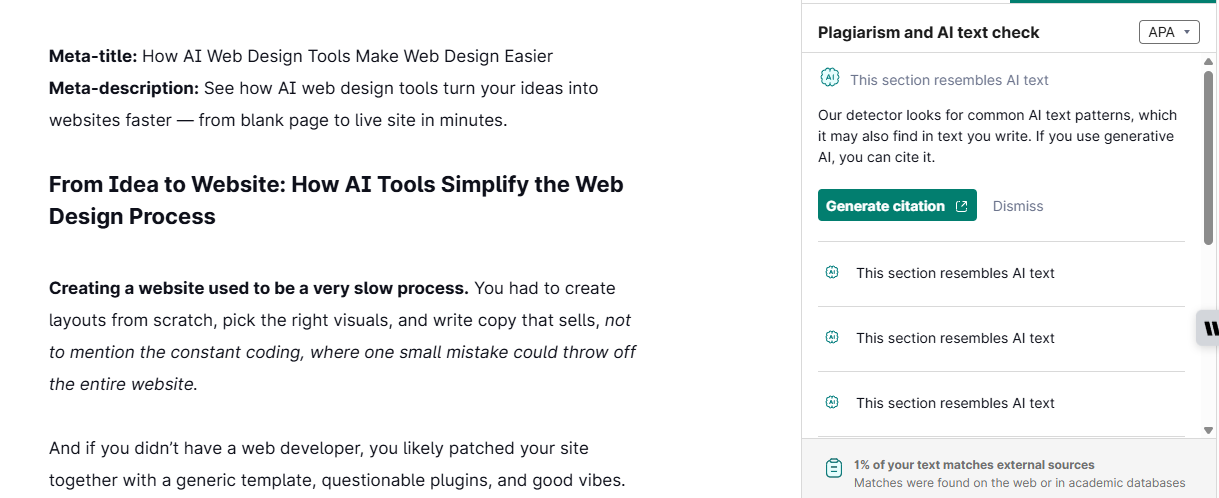
You may need more tools if global performance and scalability are important
If you’re building a site that needs to scale globally, the design tool is only one piece. You also need a reliable infrastructure behind it. (That’s a lot of countries to build a web presence for.)
For example, enterprise teams often pair AI-built frontends with managed services like Vigilant Oracle on Oracle Cloud to keep performance stable, as traffic and complexity grow. Consider reaching out to a consultant for advice on your specific business and global website build.
What to look for in an AI web design tool
When you’re ready to research AI website design tools, here’s what to look for:
Variation over single outputs
Look for a tool that generates multiple layouts and messaging options rather than pushing you toward a single result. Seeing different directions side by side helps you make better decisions early.
If a tool only gives you one version, you’re more likely to settle for something average.
Strong page structure
A useful AI builder should organize content in a logical order (what the site is about, who it’s for, why it matters, and what to do next). Some tools produce clean designs but a weak flow, which leads to confusion for visitors. Structure affects how people move through your site, so it needs to be clear from the start.
Section-level editing
You should be able to edit individual sections without rebuilding the entire page. This makes it easier to fix weak areas without starting over. Tools that only allow full-page regeneration tend to slow you down once you move past the first draft.
Copy control and flexibility
Text generation is a starting point. Again, not a final version.
Make sure the tool lets you rewrite headlines, adjust tone, and refine your messaging. If editing is limited, your site will end up sounding generic, which can affect your rankings. (Plus, search engines like Google prioritize relevant, people-first content.)
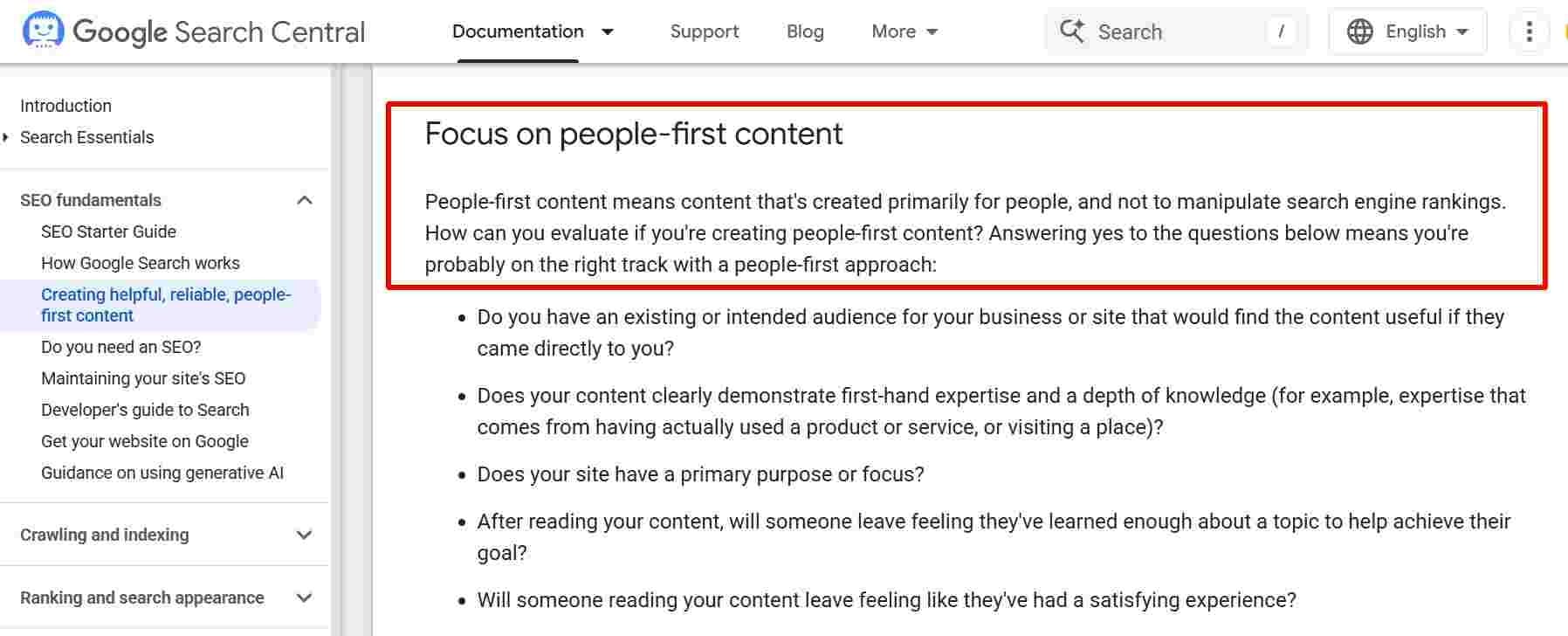
People-First Content
Basic SEO and performance settings
Your AI website builder needs to offer at least some basic SEO features out of the gate.
At a minimum, the AI web designer should support things like:
- Responsive design (mobile-friendly layouts).
- Custom page titles and descriptions.
- Fast load speeds.
These are essential if you want your site to be usable and visible.
Note: Some AI website generators may require you to upgrade to get access to advanced SEO tools.
Integrations and scalability
Your website will likely need to connect to other tools as you scale. (E.g., checkout software, email tools, and more.)
Look for easy integrations with analytics, email platforms, or e-commerce systems. This saves you from having to rebuild later when your needs expand. You may also be able to use a middleman tool, like Zapier, to connect your website builder with your other tools.
Design consistency
Tools that include reusable components or simple visual style systems help keep your site consistent. This is especially important as you add more pages or update sections. Without it, your site can start to feel disjointed.
Long-term flexibility
Consider what happens after launch. Can you export your site or hand it off to a developer if needed? A website builder with code export gives you more flexibility if you need to migrate or customize the site later. Avoid getting locked into a platform that limits you once your business evolves.
How to use an AI web design tool
Here’s how to get started using an AI website design tool after you’ve chosen your platform. 👇
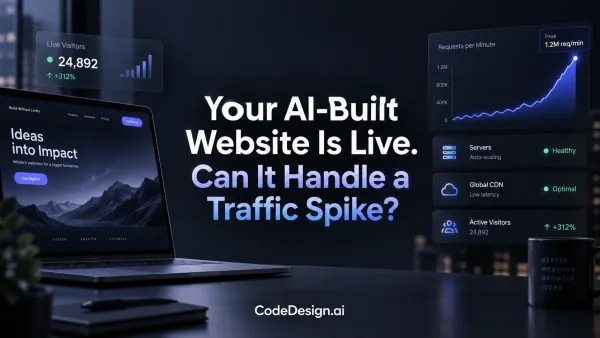
Step 1: Start with a clear goal
Before generating anything, define what your site is meant to do.
Think about who it’s for and what action they should take. Include your brand colors, CTA, and offer details. Then write your prompt accordingly. This gives the AI more specific direction and helps prevent random outputs.
Here’s an example:
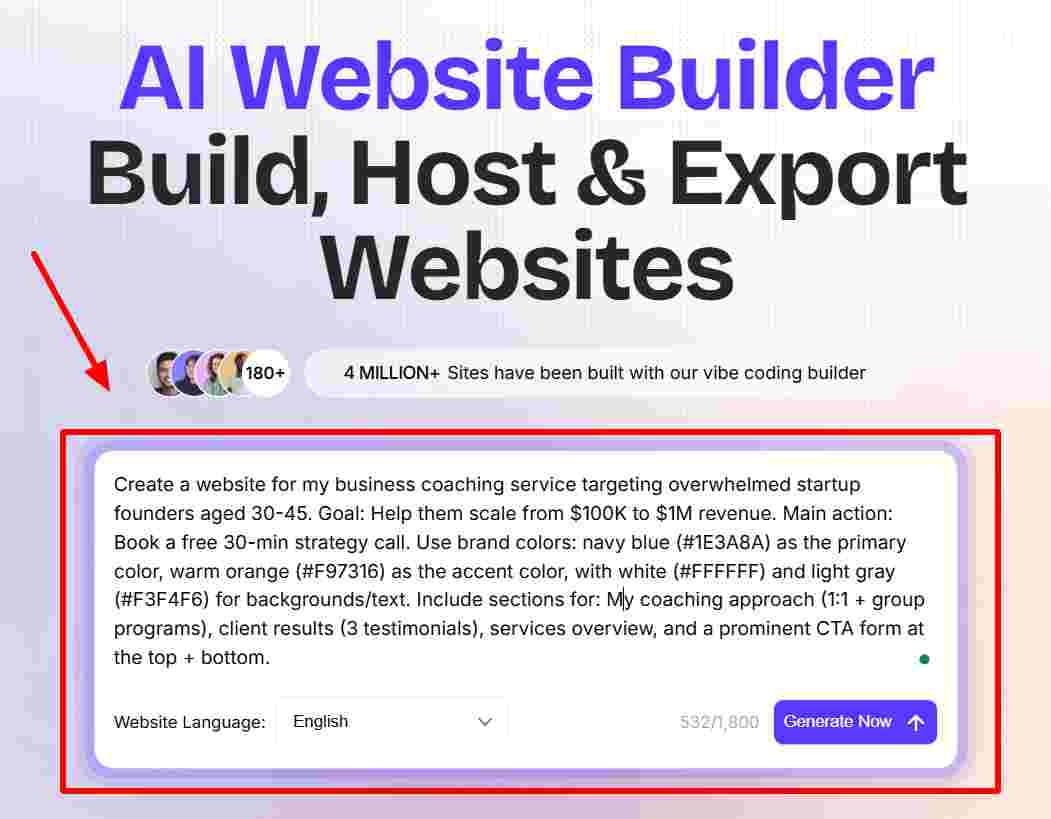
(Image by Ioana)
AI Website Build Prompt
Step 2: Generate multiple versions upfront
Don’t rely on the first result. Create a few website variations with different layouts or messaging angles, then compare them.
Step 3: Evaluate for clarity
As you review different versions, focus on how easy each one is to understand.
Every page should make sense quickly and guide the visitor to the next step. (Yes, visual appeal matters. But clarity matters even more to your audience.)
Step 4: Fix the structure manually
Even though AI tools generate a basic structure, you’ll often need to realign it with a conversion-focused flow.
Make sure your page clearly walks users through the customer journey using this structure:
- Your audience’s top problem.
- Your solution.
- Social proof or credibility.
- Benefits of choosing your product/service.
- A clear next step.
Step 5: Rewrite key messaging
Go through important sections and replace vague phrases with specific details. Even small changes (like describing a real outcome or use case) can help make your site feel more intentional.
This is especially important if you sell a niche product or service that needs an explanation to understand. For instance, a product like On! Nicotine pouches should explain in simple language what the pouches are, how they help, and why the audience should care.
Bonus points for including an instructional video.
Step 6: Add something distinct
AI tends to produce familiar patterns. To make your site stand out, add a specific angle, audience focus, or point of view. (Without this step, your site will blend in with similar sites.)
Step 7: Limit how much you iterate
Set a boundary for how many versions you’ll test per section. Once you’ve explored a few solid options, choose one and move forward. This keeps the process from dragging on. I’ve gotten lost in several website builds, and it’s not fun!
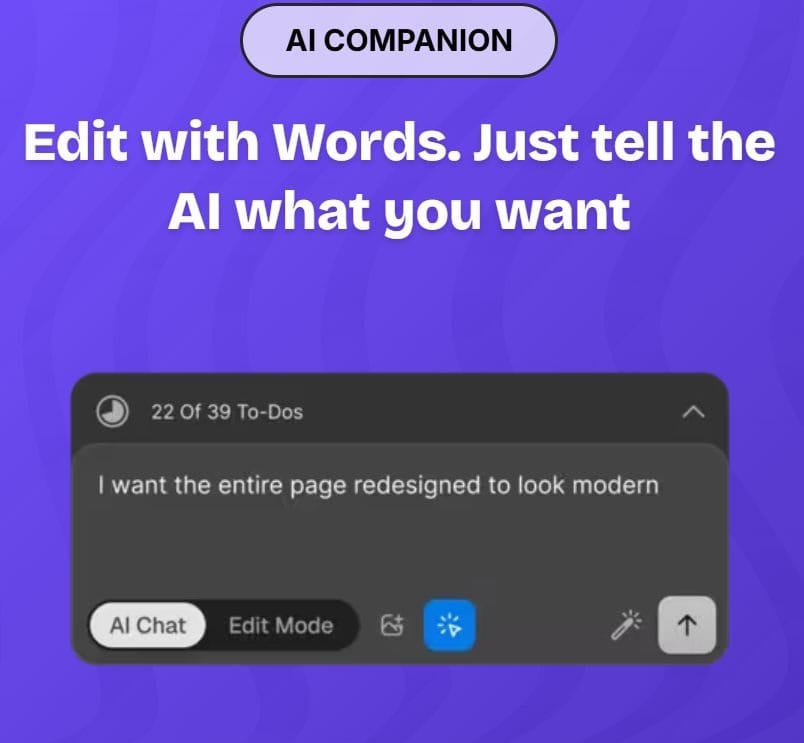
AI Website Build Prompt
What to do after the site is live
Your work still isn’t over. Follow these steps after launching your new site. 👇
Step 1: Treat the first version as a starting point
Once your site is live, pay attention to how people use it. Look at where they click, where they drop off, and what they ignore. This gives you clear direction for improvements.
More on this in Step 5.
Step 2: Check performance and fix issues early
AI-generated sites can include unnecessary elements that slow things down. Make sure to review load speed, mobile usability, and general performance. Fixing these early prevents bigger problems later.
Keep in mind that performance and stability matter even more during critical customer milestones.
For example, at checkout, issues like broken scripts, mobile bugs, or system crashes can tank conversions. Some online stores now use AI-driven security agents that compare their code against a global vulnerability database to catch issues before they lead to abandoned carts or erode trust.
Step 3: Keep security and updates in check
Make sure to keep your website up to date and secure to prevent performance and cybersecurity issues.
Once your site is live, themes, plugins, and frameworks still need regular updates. Integrating a patch management solution into your process can help automate updates, reduce technical debt, and avoid security gaps as your AI-built site evolves.
Step 4: Improve SEO manually
AI can give you a basic SEO structure, but it won’t fully optimize your site.
You’ll still need to:
- Expand content where needed.
- Improve internal linking.
- Refine keywords.
- Build backlinks.
This is what helps your site gain visibility over time.
If you’re unfamiliar with SEO and AI SEO best practices, I highly recommend reaching out to a strategist for support.
Step 5: Continue refining based on real behavior
Think of your website as a long-term project. Continue to use what you learn from visitors to improve your site. Adjust your messaging, simplify navigation, and test small changes.
(Us writers have a saying: “Writing is never finished.” The same goes for website design.)
Build your new website with CodeDesign.ai
Starting a website can feel slow until you see something take shape. And CodeDesign.ai can get you there fast.
➜ Describe your business and what you’re trying to create, and the tool will build a working layout with structure, visuals, and first-draft content you can adjust.
You stay in control of the direction and style, the AI just gives you a solid starting point so you can focus on refinement instead of setup. Within minutes, you’ll have a site that looks professional, performs well, and feels like something made for your brand, not another generic template. 💜
And if you need more help, the support team is ready to answer all your questions so you get the result you’re happy with.
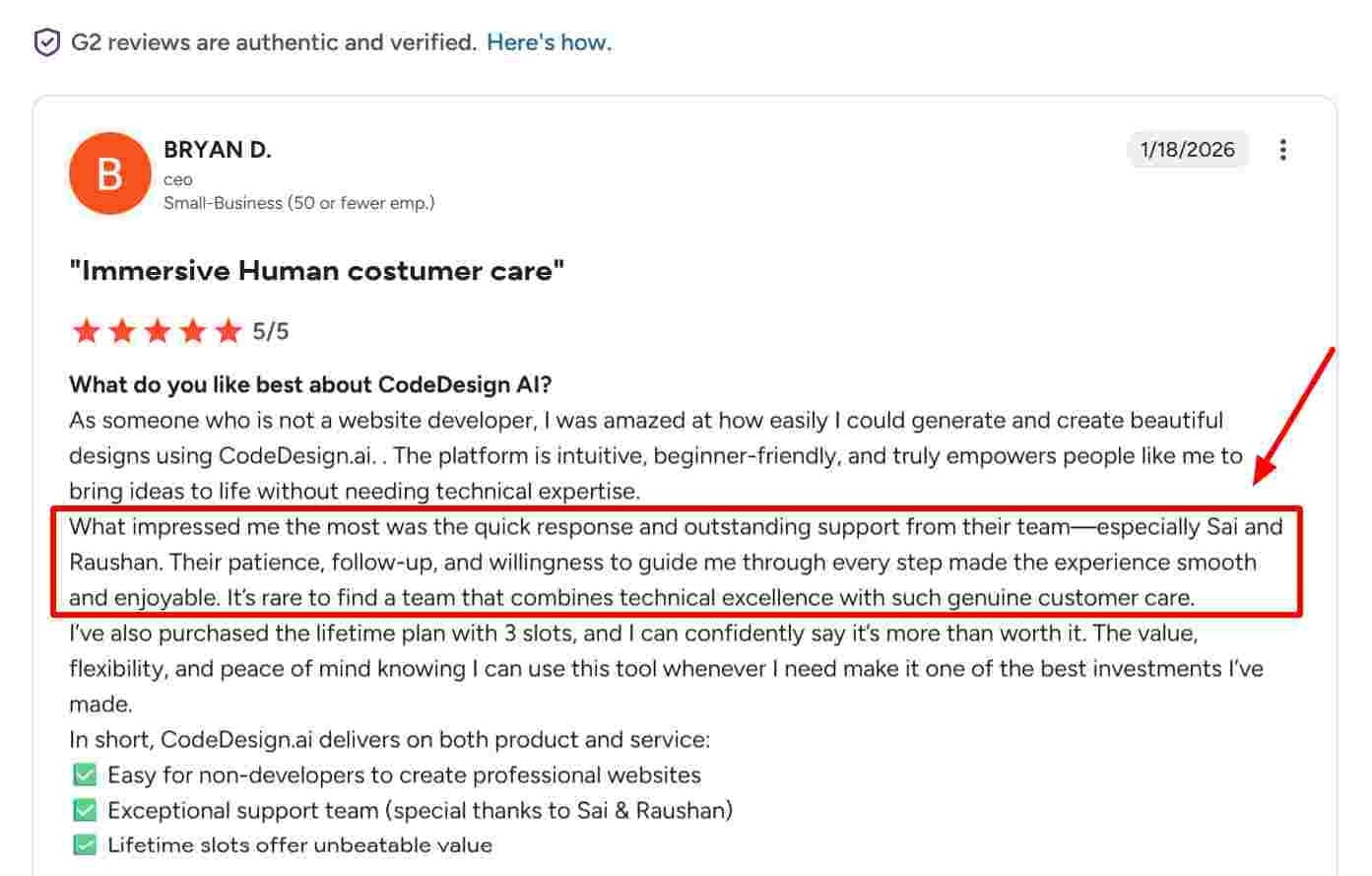
AI Website Review
Wrap up
AI web design tools simplify the hardest part of building a site … getting started.
They give you momentum, structure, and flexibility to bring your ideas to life faster. Whether you’re launching your first website or refreshing an existing one, platforms like CodeDesign.ai help you move from concept to live site with ease.
Generate your first website with CodeDesign.ai now.
Author Bio:

Ioana Wilkinson
Ioana Wilkinson is a business strategist and content writer for B2B tech and SaaS brands. She also helps aspiring entrepreneurs and writers build remote businesses. Born in Transylvania and raised in Texas, Ioana has been living the digital nomad life since 2016. When she’s not writing, you can catch her snorkeling, exploring, or enjoying a café con leche in Barcelona!
Plagiarism score from Grammarly = 1%