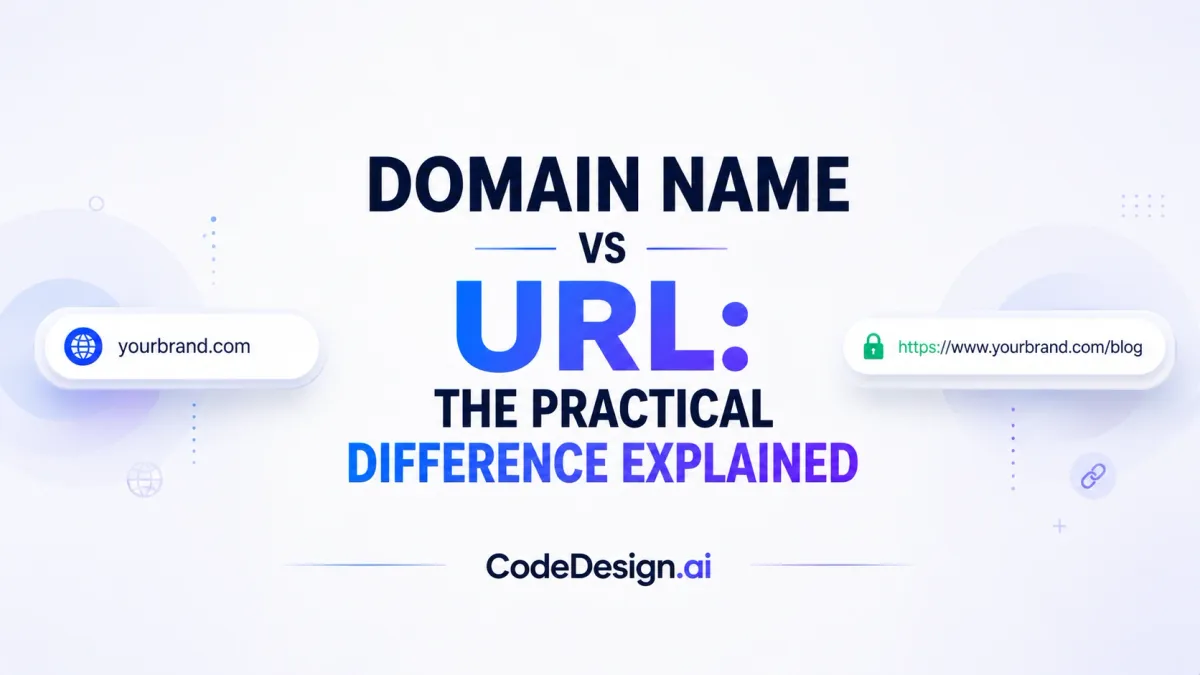
Domain Name vs URL: The Practical Difference Explained
You've probably done this more than once. You type a site address into a browser, glance at a search result, or copy a link from a shared message, and the words domain name and URL start to feel interchangeable. They look related because they travel together, but they don't do the same job.
That difference matters the moment you start building a site. A domain name is the brand label people remember, while a URL is the full address that points to a specific page. If you're launching a business site, choosing a domain, shaping clean page addresses, and connecting everything inside one builder all affect how easy your site is to trust, find, and update.
| Criterion | Domain Name | URL |
|---|---|---|
| Purpose | Brand identity and site recognition | Navigation to a specific page or resource |
| Scope | Site-wide label | Page-specific address |
| Structure | Name plus extension | Protocol, domain, path, and sometimes more |
| Stability | Usually steady over time | Changes as pages are added, renamed, or moved |
Table of Contents
- The Moment Every Site Owner Mixes Them Up
- Defining a Domain Name and a URL in Plain Language
- Anatomy of a URL Step by Step
- How Domains and URLs Differ Across Four Key Dimensions
- What DNS Actually Does Between Domain and URL
- SEO and Usability Implications of Each
- Choosing a Domain and Structuring URLs the Smart Way
- Registering a Domain and Connecting It in an AI Site Builder
The Moment Every Site Owner Mixes Them Up
You copy a link from your browser, paste it into a message, then open a new tab and type the site's name from memory. The page loads both times, so it's easy to assume the name and the link are basically the same thing. That's the exact moment most first-time site owners get stuck.
A domain name feels like the whole address because it's the part people recognize. A URL feels like the whole address because it's the thing that opens a page. Both are visible in the browser, but only one is the broader brand label, and only one is the full locator for a specific resource.
That small distinction becomes practical fast. If you're naming a business, you care about the domain. If you're building product pages, blog posts, or landing pages, you care about the URL structure those pages will live under. A builder that lets you connect a custom domain and publish content in one workspace makes that mental model much easier to manage, because you're not treating the name and the page address as one blur.
Practical rule: if you can't tell whether you're naming the site or naming a page, pause and ask which one a visitor would remember, and which one they'd click.
For a beginner-friendly walkthrough of the larger website setup picture, this beginner guide to website design pairs well with the distinction here.
Defining a Domain Name and a URL in Plain Language
A domain name is the human-readable name people use to recognize a website. A URL is the full web address that tells a browser exactly where to go. The domain is the name on the mailbox, and the URL is the full address written on the envelope.
The easiest example is this: example.com is a domain, while https://example.com/pricing is a URL. The domain gives the site its identity, and the URL points to one specific page on that site. That's why two pages can share the same domain and still have different URLs.

Point to the domain inside any address
Take a browser address like https://example.com/pricing. The https part is the scheme, example.com is the domain, and /pricing is the page path. If there's a www in front, that's usually a subdomain, not the core brand name itself.
A quick way to test yourself is to strip away everything after the first slash. What's left is usually the domain portion. What comes after that slash is the part that identifies a page, file, or other resource.
A domain is the label people remember. A URL is the complete route the browser follows.
For a related publishing workflow that shows how a site moves from draft to live, this guide to publishing a website is a useful companion.
Anatomy of a URL Step by Step
A URL looks complicated until you separate it into pieces. Once you do, the structure starts to feel ordinary, because it follows the same logic as a street address with extra instructions attached. The domain is only one part of that address.

What each part is doing
- Scheme: This is the opening protocol, usually https, which tells the browser how to connect.
- Subdomain: A prefix such as www can sit before the domain. It can help organize a site, but it isn't the core brand name.
- Domain and top-level domain: Together, these form the main site name, like example.com.
- Path: This points to a specific page, such as /blog/article-1.
- Query string: Extra parameters can follow a question mark to pass data.
- Fragment: A hash mark can jump to a specific section on the page.
That's why a URL is broader than a domain. One domain can support many URLs, and each URL can describe a different page, section, or resource on the same site. A site owner needs that flexibility for blogs, product catalogs, help centers, and landing pages.
In the example https://www.example.com/blog/article-1, example.com is the domain and /blog/article-1 is the path to a specific page. The browser uses the earlier pieces to reach the site, then uses the later pieces to load the right content.
How Domains and URLs Differ Across Four Key Dimensions
A clean comparison helps because the two terms get mixed up for different reasons. The domain is the stable label people use to recognize your site. The URL is the specific route that leads to one page or asset.
| Criterion | Domain Name | URL |
|---|---|---|
| Purpose | Identifies the site and supports brand recall | Points to a specific destination |
| Scope | One name for the whole site | Many addresses can live under one domain |
| Structure | A readable label plus extension | A compound locator with multiple parts |
| Stability | Usually changes less often | Often changes as content, paths, or site architecture change |
The biggest mental shift is scope. A domain can sit at the top of an entire website, while URLs multiply underneath it for pages, categories, product views, and articles. That's why a business can rework content many times without changing its core brand name.
What changes first when a site grows
A domain often survives a redesign. A URL might not. If a page is renamed, reorganized, or moved into a new section, the URL can change even while the domain stays the same.
That's not just a naming issue. It affects how owners plan navigation, how editors structure content, and how teams avoid confusing visitors with messy page paths. The cleaner the structure, the easier it is to manage the site over time.
What DNS Actually Does Between Domain and URL
Typing a domain into a browser doesn't load a page by magic. The browser first needs to find the server behind that name, and that lookup is what DNS handles. The domain is the label people type, but DNS is the system that translates it into a reachable destination.
A URL goes further than the domain. It tells the browser not only where the site lives, but also which page or asset to request after the lookup succeeds. That's why the path, query, and fragment matter for routing and application handling, while the domain itself only gets the request to the right place.

Why the first step is not the whole request
A browser can know the domain and still need more instructions. The page path tells the server what content to send back, and any extra parameters can alter the request in ways that affect routing or caching. That's why a domain lookup and a page load aren't the same event.
For site owners, the takeaway is simple. If the domain is wrong, the browser never reaches the destination. If the URL is messy, the browser may still reach the site, but visitors and systems may not get the exact content you intended.
Practical rule: treat the domain as the front door and the URL as the room number.
For a broader publishing workflow that includes moving from setup to live site management, this guide to launching a website fits naturally here.
SEO and Usability Implications of Each
A strong domain does one job, and a clean URL does another. The domain carries brand recognition and credibility, while the URL helps users and search systems understand where a page fits inside the site. If either part is weak, the whole experience feels less polished.
A useful reminder is the size of the naming ecosystem itself. Global domain registrations reached 368.4 million by March 2025, and 46% of small businesses say a custom domain increases credibility, according to Hostinger's domain statistics roundup. That doesn't mean every site needs a flashy name, but it does show that the domain still signals trust.
What matters most for the domain
A memorable domain is easier to type, easier to recommend, and easier to associate with a business. Short names are more memorable, and a widely cited industry roundup says over 90% of startups valued at $100M+ launched with a .com domain, according to the same Hostinger source. That supports a simple practical habit, choose a name people can say aloud without spelling it twice.
What matters most for the URL
URLs should read like a map, not a puzzle. A clear path helps visitors understand what page they're on, and it helps content teams keep categories and page types organized. Clean structure also makes future edits less painful, because the URL hierarchy gives each page a logical home.
If a site spreads related pages across confusing paths, visitors lose context fast. If the domain is strong but the URLs are cluttered, the brand promise and the page experience stop matching.
CodeDesign.ai's website builder SEO guidance is relevant here because it ties site structure to how pages are presented and managed, not just how they're named.
Choosing a Domain and Structuring URLs the Smart Way
The best choices are usually the simplest ones. A good domain is short, easy to pronounce, and closely tied to the brand name you want people to remember. A good URL is descriptive enough to make sense at a glance, but not so long that it turns into noise.
For the domain, the practical checklist is straightforward. Choose a name that's easy to say, easy to spell, and easy to use in email. If the obvious version is taken, it's usually better to rethink the brand word than to jam in odd punctuation that people will forget later.
Use the name to support the business, not fight it
A domain becomes part of the business identity, not just the web address. If you plan to send email from that brand, want people to mention it in conversation, or expect repeat visits, the name needs to feel clean from the start.
For URLs, keep the path readable and predictable. Use lowercase, separate words clearly, and build a hierarchy that matches how your content is organized. A person should be able to guess roughly what a page contains before they click it.
- Keep the domain short: shorter names are easier to remember and less tiring to type.
- Prefer familiar extensions when sensible: familiar endings reduce confusion at the first glance.
- Use descriptive URL paths: visitors should know what a page is about from the address itself.
- Avoid clutter in page slugs: fewer unnecessary symbols make links easier to share and scan.
Practical rule: the domain should sound like a brand, and the URL should read like a folder name.
A unified builder makes this easier because you can shape the name, page structure, and publishing flow in one place instead of stitching them together across separate tools. That matters when you're trying to launch quickly without losing control of how the site will grow later.
Registering a Domain and Connecting It in an AI Site Builder
A simple workflow keeps the whole process from turning into a vendor chase. You register the domain, connect it to the builder, confirm the site is reachable, and publish under the custom address you want visitors to use. If the platform also manages hosting and editing, the handoff is a lot less fragile.
CodeDesign.ai fits that workflow because it lets you generate and edit a site, connect a custom domain, and publish without splitting the work across multiple systems. It also includes an AI website builder for people who want to start from a description and refine the site visually afterward.
A few edge cases worth keeping straight
Preview links are usually temporary working addresses, not brand domains. Subdomains can organize sections of a site, but they still sit under the larger domain. Query strings can track or filter pages without changing the site's core identity, which is why they behave differently from the domain name itself.
That's the core reason the distinction matters. A domain gives your site a stable public face, while a URL gives each page its exact location. When both are managed cleanly in one builder, first-time site owners spend less time untangling technical pieces and more time publishing the right pages.
If you want a single place to handle the site name, page structure, publishing, and custom domain connection, visit CodeDesign.ai and explore how its AI site builder fits a small business workflow. It's a practical way to keep the domain, the URL structure, and the live site moving together instead of managing each piece separately.