AI website builder. Describe your business, get a website.
Write a sentence about what you do. CodeDesign writes the pages, picks the images and builds a site you can edit, publish with hosting, or export as code.
Try:
- 4.7/5 on Trustpilot & G2
- 4M+ sites built
- Free to start, no card
- Export HTML or React
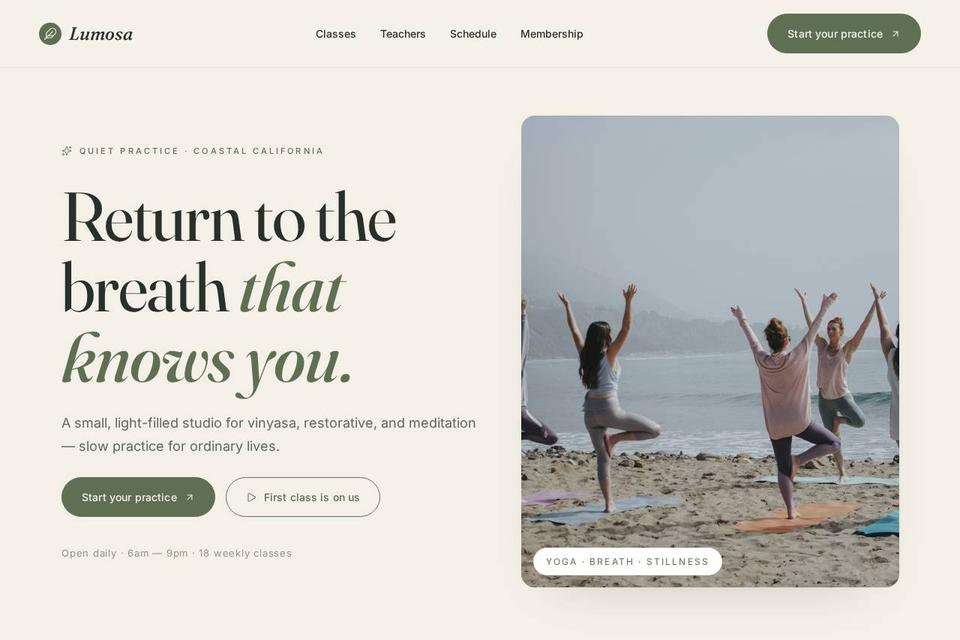
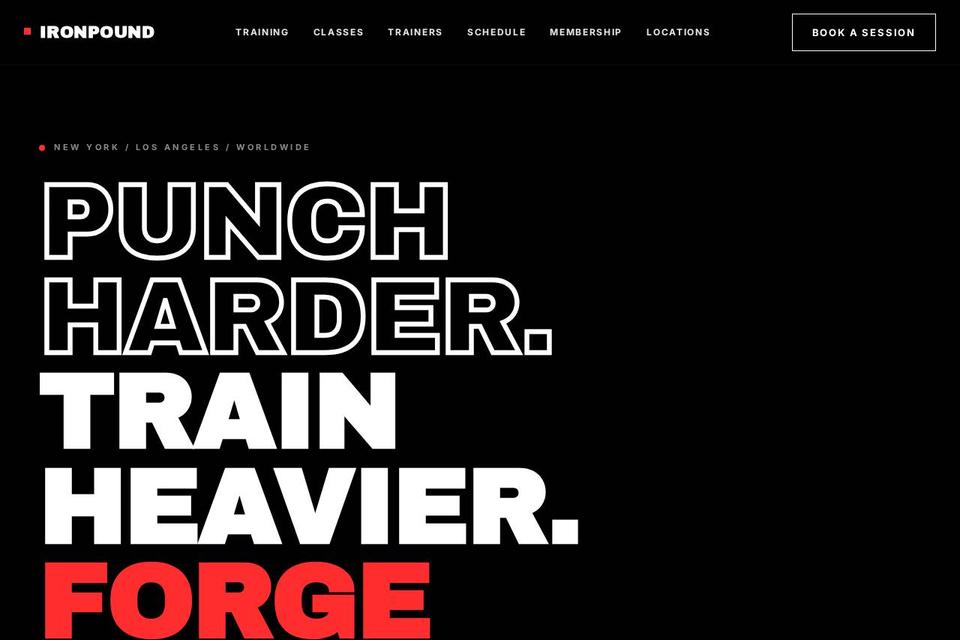
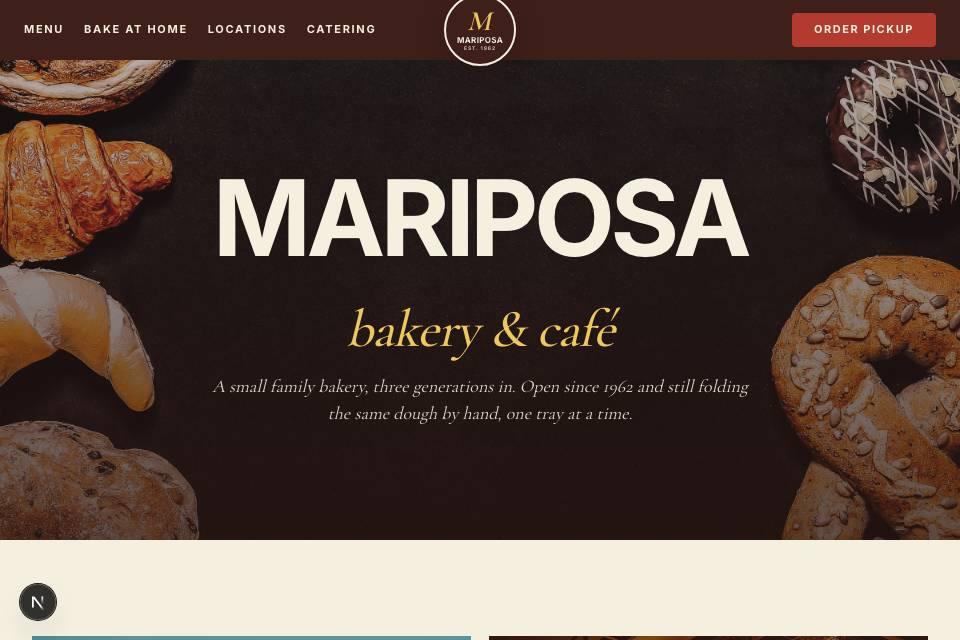
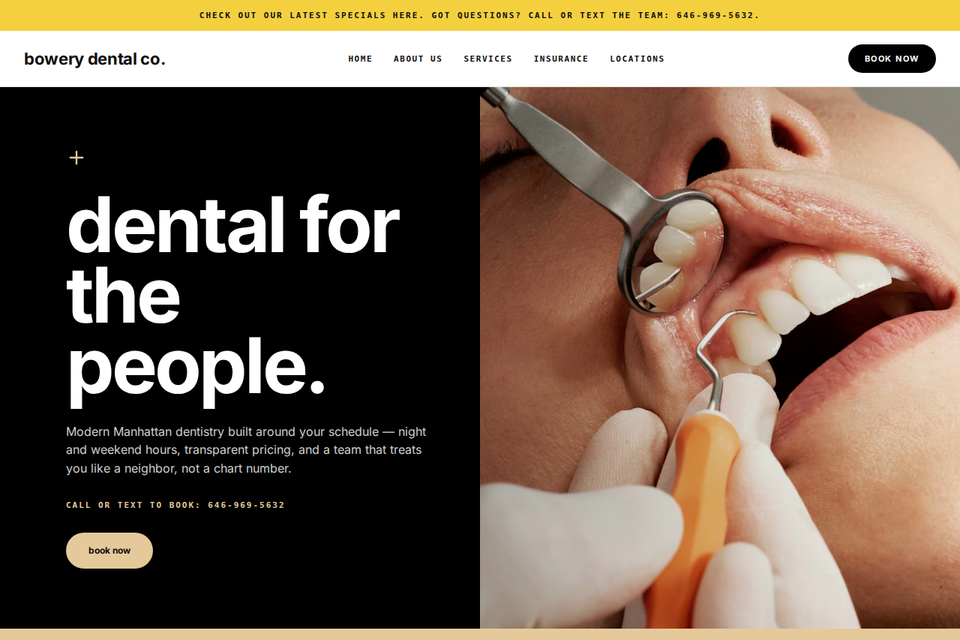
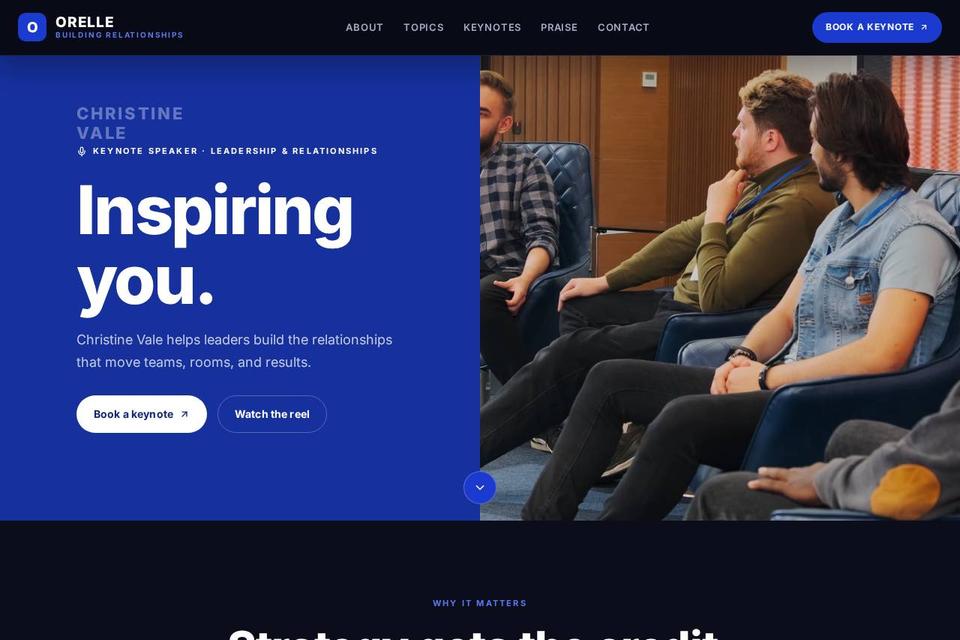
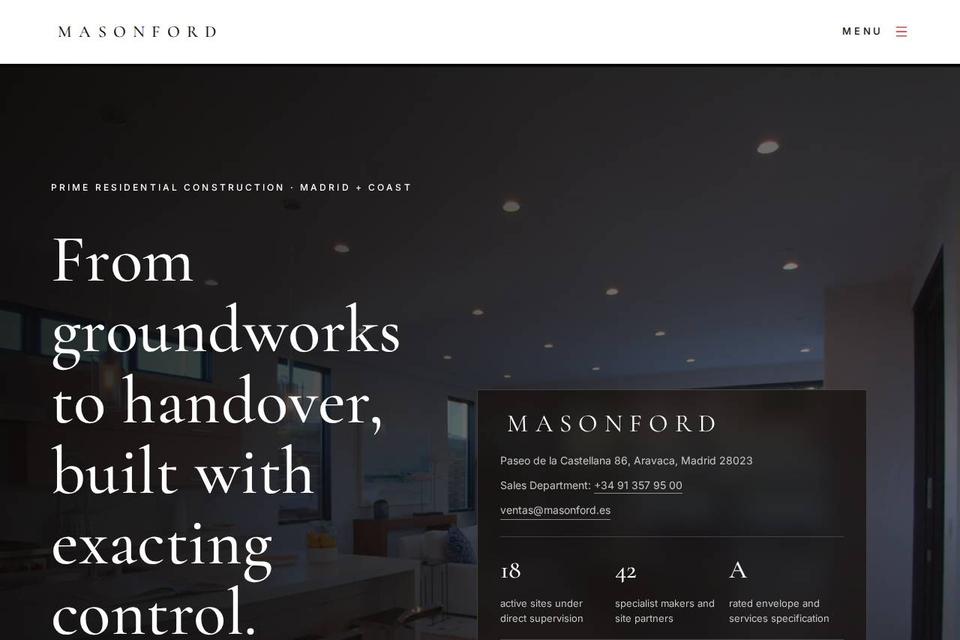
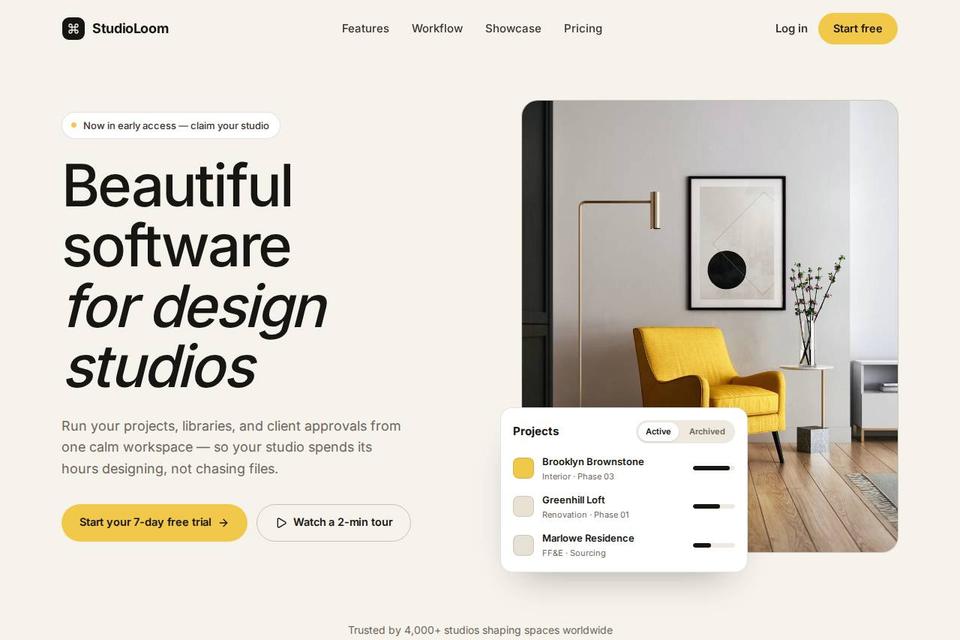

How an AI website builder works
You write the brief. The AI writes the first draft of everything else, and you take it from there.
- 01
Describe the business
A sentence is enough: what you do, where, and who it is for. Pick the site's language from more than 110.
- 02
AI builds the first draft
In about a minute you get pages with real copy, images that fit and a layout that works on phones.
- 03
Edit, publish or export
Change anything by clicking it or by asking the AI. Publish with free hosting, connect a domain, or download the code.
Best AI website builders in 2026, compared
CodeDesign next to the builders people ask us about most: what the free plan gets you, whether it builds from a prompt, and whether you can take your site with you.
| Builder | Free plan | Builds from a prompt | Code export | Hosting included |
|---|---|---|---|---|
| CodeDesign | Yescodedesign.app address | Yes | YesHTML and React | Yes |
| Wix | Yeswith Wix branding | Yes | No | Yes |
| Squarespace | No14-day trial | Yes | No | Yes |
| Hostinger | No14-day trial | Yes | No | Yes |
| Framer | YesFramer domain | PartlyAI helps with layouts | No | Yes |
| Durable | Yesprivate preview only | Yes | No | Yes |
| 10Web | No | Yes | Partlyit is a WordPress site | Yes |
| Lovable | Yes5 credits a day | Yesapps and sites | Yesthrough GitHub | Yeswithin usage limits |
Features from each builder's own website on 10 October 2026. Plans change often, so check before you choose.
CodeDesign
Best for: A site you own from day one
Builds a multi-page site from a prompt, hosts it for you, and exports HTML or React whenever you want to move.
Watch out: Fewer third-party apps than Wix.
Wix
Best for: Small businesses that want lots of add-ons
A big app market and plenty of templates. The AI gives you a starting point inside the Wix editor.
Watch out: You can't export your site's code, so leaving means rebuilding.
Squarespace
Best for: Portfolios and good-looking shops
Strong design defaults and solid built-in selling tools.
Watch out: No free plan, and no code export.
Hostinger
Best for: The lowest upfront monthly price
Cheap if you pay for four years at once, with hosting and a free domain for the first year.
Watch out: The low price needs a 48-month prepay, and it renews higher.
Framer
Best for: Designers who want full visual control
A design-first editor with smooth animations.
Watch out: The AI helps with layouts, but you'll still design most pages yourself.
Durable
Best for: A simple business site, fast
Very quick to generate, with basic business tools built around it.
Watch out: Little control over the layout, and no code export.
10Web
Best for: People who want WordPress
Generates a WordPress site, so you keep access to WordPress plugins.
Watch out: You are running WordPress, updates and all.
Lovable
Best for: Developers building web apps
Builds full apps and syncs the code to GitHub.
Watch out: More setup is left to you, since it is an app builder first.
How to choose an AI website builder
Six questions worth asking before you commit to one.
Can you edit it after the AI is done?
Every builder makes a first draft. What matters is how easy it is to change a headline, swap a photo or add a page afterwards.
Can you take the site with you?
If the builder can't export your code, leaving means starting over. Check before you build something you plan to grow.
What will it really cost?
Look at the renewal price and at what the free plan leaves out, like a custom domain or removing the builder's branding.
Is hosting included?
Some tools hand you files and leave hosting to you. Others publish with one click and keep the site online.
Does it cover basic SEO?
Page titles, descriptions, headings and image alt text should be there from the first draft, not left for later.
Can it write in your language?
If your customers don't read English, check that the builder can write the whole site in the language they do read.
What you can build with it
The sites people make most often. Each one has its own page if you want the details.
- Coaches and consultantsBooking-ready personal sites
- SaaS and softwareProduct pages that explain the app
- Restaurants and cafesMenus, hours and directions
- Clinics and doctorsServices, team and appointments
- Landing pagesOne page for one offer
- Travel and toursTrips, galleries and enquiries
- WordPress sitesGenerate it, then run it on WordPress
- Start from a templatePick a design, then let AI fill it in
Prefer to start from one long, detailed prompt? See the AI website generator.
Is there a free AI website builder?
Yes. You can build and publish on CodeDesign for free, with no card. Paid plans add what a business site usually needs.
Free$0
- Generate a site from a prompt
- Edit it in the visual builder
- Publish on a yoursite.codedesign.app address
With the AI builder$29/mo and up
- A free custom domain for the first year
- Export the code as HTML or React
- No CodeDesign branding
- SSL, weekly backups and 24/7 support
What people say after building with it
4.7out of 5 on Trustpilot and G2
Read the reviews on TrustpilotI just generated a decent-looking website with AI. Web dev is going to change a whole lot, it's crazy
Jijo SunnyCEO, Buy Me a Coffee
If you are an entrepreneur looking for a builder that stands by its service, I can now confidently recommend CodeDesign.ai. If you run into a snag, stay firm, but trust that their high-level support team (especially Sai!) will move mountains to make it right.
Dana Abdollahi-DamanehTrustpilot review, United States
I had an excellent experience with the support team at CodeDesign.ai. Their response was prompt, professional, and highly effective in resolving my issue.
LeonidTrustpilot review, Romania
I am very happy with my experience using Codedesign.ai. The platform is intuitive and easy to work with, which made building my website a smooth process. The YouTube tutorial videos are clear and practical, and they helped me quickly understand how everything works.
JohnTrustpilot review, Netherlands

AI website builder FAQ
Can't find an answer? Contact us or book a demo.
What is an AI website builder?
It's a tool that builds a website from a description. You say what the business is, and it writes the pages, picks images and lays everything out. Then you edit the result instead of starting from a blank template.
How does an AI website builder work?
It turns your prompt into a plan for the site, writes the copy for each section, chooses images that fit and builds pages that work on phones and desktops. On CodeDesign the first draft takes about a minute, and everything it makes stays editable.
What is the best AI website builder?
It depends on what you need. Wix has the biggest app market, Squarespace is strong on design, and Hostinger has the lowest upfront price if you prepay for years. CodeDesign is the one to pick if you want to own the result, because you can export the code as HTML or React and host it anywhere.
Is there a free AI website builder?
Yes. CodeDesign's free plan lets you generate a site and publish it on a codedesign.app address, with no credit card. Wix, Framer, Durable and Lovable also have free plans. Squarespace and Hostinger have 14-day trials instead.
Can ChatGPT build a website?
ChatGPT can write HTML and CSS, but it won't host the site, find matching images or keep the design consistent across pages. You'd still put the files together and publish them yourself. An AI website builder does those steps for you.
Can I export the code from my AI website?
On CodeDesign, yes. Paid plans export the site as HTML or React, so you can host it anywhere or hand it to a developer. Most builders, including Wix and Squarespace, don't let you export your site's code.
Are AI-built websites good for SEO?
They can be. CodeDesign adds page titles, meta descriptions, headings and image alt text from the first draft. You'll still want to describe your business in your own words, because that's what search engines and customers respond to.
Can I use my own domain?
Yes. Paid plans include a free custom domain for the first year, or you can connect a domain you already own. You can also search for a domain and buy it in the same account.
How long does it take to build a website with AI?
The first draft takes about a minute. After that, give yourself time to go through the text and photos and make them yours before you publish.
Can I edit the website after the AI builds it?
Yes, all of it. Click any text or image to change it, move sections around, add pages, or ask the AI to make a change for you.
Describe your business. We'll build the website.
Your first draft is about a minute away.
Or start from a template.