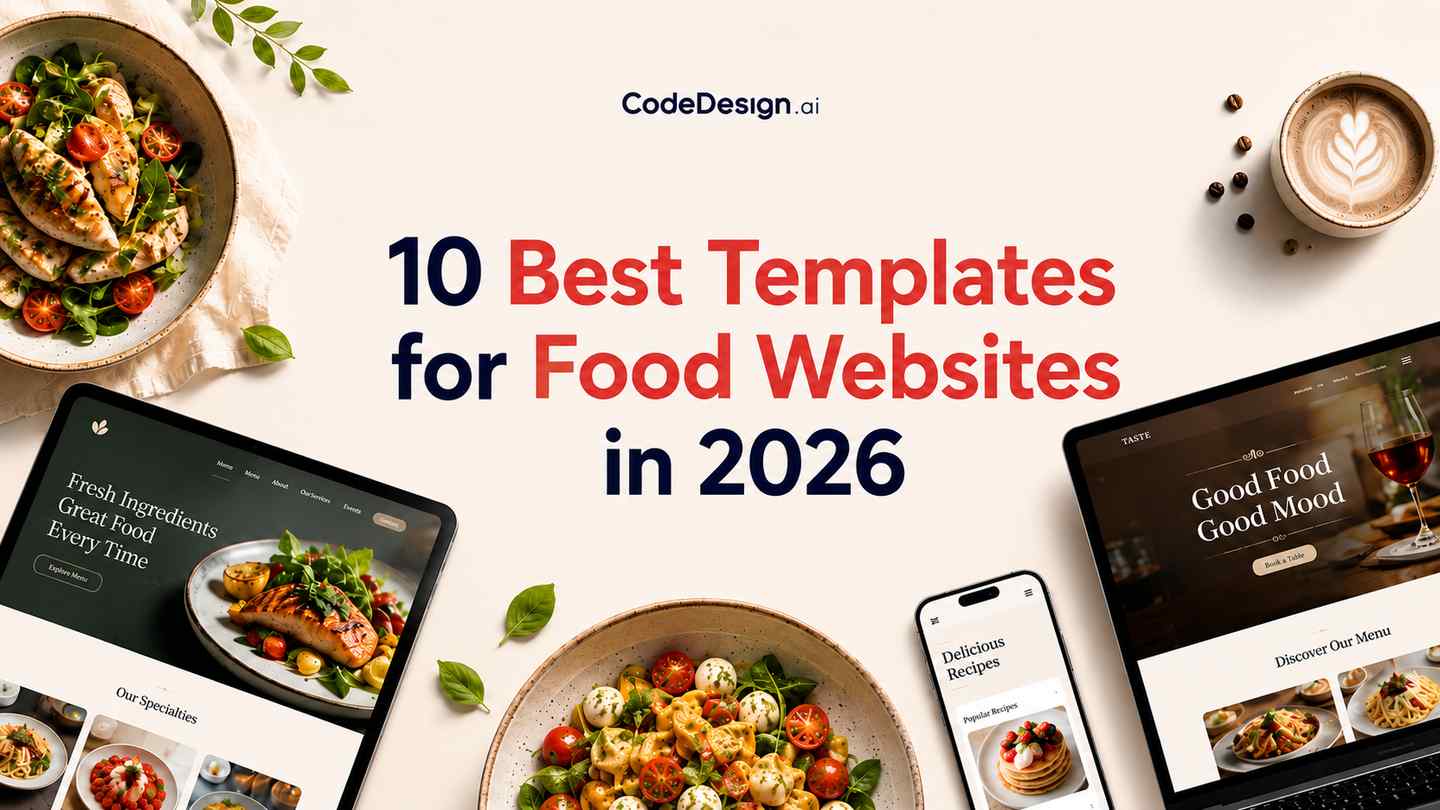
10 Best Templates for Food Websites in 2026
Your digital front door gets judged fast. A hungry customer wants to see your menu, your hours, your location, and whether ordering or booking a table will be easy. If the site feels dated, confusing, or slow, they often leave before they ever taste your food.
That's why choosing the right template matters more than most owners think. Good templates for food websites don't just look polished. They support the job your site needs to do, whether that's filling tables, collecting catering leads, selling pantry goods, or publishing recipes people come back to every week.
This guide moves quickly and stays practical. Instead of showing a random gallery, it sorts the best options by business goal and platform type, so you can match the template to how your food business makes money. If you also sell online, these ecommerce templates for UK businesses are a useful companion read.
Table of Contents
- 1. CodeDesign.ai
- 2. ThemeForest (Envato Market)
- 3. Wix
- 4. Squarespace
- 5. Webflow
- 6. Shopify Theme Store (Food & Drink)
- 7. Elementor Kits Library (WordPress)
- 8. WPZOOM – Foodica PRO
- 9. Duda
- 10. Tilda
- Top 10 Food Website Template Comparison
- From Template to Table Your Next Steps
1. CodeDesign.ai

CodeDesign.ai is the strongest pick here if you want speed without giving up control later. For food businesses, that combination matters. Owners often start with, “I need something live this week,” then a month later ask for online ordering links, lead capture, blog content, location pages, or a redesign around seasonal campaigns.
The platform starts with AI generation, so you can describe the business in plain language and get a working site draft fast. Then you can refine it visually instead of being stuck with whatever the AI gave you. That's a better workflow than most “instant website” tools, because restaurants and food brands usually need structured edits after launch.
Why it stands out
CodeDesign.ai works well across several food use cases. A café can launch quickly with visual sections for menus, opening hours, and photo-heavy storytelling. A local restaurant can start from AI restaurant website templates and then add reservation buttons, map sections, and forms without rebuilding from scratch.
What separates it from many hosted builders is the ownership angle. You can publish on the platform, sync to WordPress, or export code for self-hosting. That makes it useful if you're starting no-code today but want more technical freedom later.
Practical rule: If you think you may outgrow a builder, choose one that gives you a path to export or adapt the site before you fall in love with the design.
Another advantage is consolidation. SEO tools, analytics, forms, hosting, backups, and SSL sit in one system. That reduces the patchwork setup that often breaks on small business sites.
Best fit and trade-offs
CodeDesign.ai is best for owners who want an AI-assisted start but don't want to be trapped in a rigid template system. It also suits freelancers and agencies building food sites repeatedly, because one workflow can cover a restaurant homepage, a catering lead funnel, and a product landing page.
Pros and cons in practice:
- Best for fast launches: You can get from idea to publishable draft quickly, then shape the details visually.
- Best for future flexibility: Export and WordPress sync give you more control than most closed builders.
- Watch the free plan limits: It's useful for testing, but serious production use usually means moving to a paid tier.
- Expect some help on export workflows: Teams wanting a pure developer handoff may need a support touchpoint.
For many owners, this is the most balanced answer among templates for food websites because it works for dine-in, lead generation, and content-driven sites without forcing a full custom build on day one.
2. ThemeForest (Envato Market)

A restaurant owner often lands on ThemeForest after outgrowing polished but restrictive builders. The appeal is simple: far more choice, one-time template pricing in many cases, and direct access to the files. You can browse a wide range of restaurant layouts on ThemeForest's restaurant template marketplace, from single-location cafés to product-heavy food brands and multi-page hospitality sites.
That range is the strength and the problem.
ThemeForest is a marketplace, not a curated restaurant platform. You are not choosing between ten tightly vetted food templates. You are sorting through a large catalog built by different authors with different coding standards, support habits, and update cycles. A template can look excellent in the demo and still ship with bloated scripts, weak mobile navigation, or page builders that become hard to maintain six months later.
Best when your goal is control, not convenience
ThemeForest fits businesses that want control over hosting, code, and long-term customization. That makes it a sensible option for agencies, developers, and food brands with specific needs, such as a restaurant that wants custom booking flows, a gourmet shop that plans to add e-commerce later, or a publisher-style recipe site that needs a CMS behind the design.
It is less forgiving for owners who want everything handled in one place.
The practical test is not the homepage. Check the menu layout, reservation or inquiry flow, contact details on mobile, page speed, and how blog or product pages are structured. Food businesses win or lose on those working pages.
Don't judge a food template by the hero section. Judge it by how easily a customer can view the menu, find hours, book a table, or place an order from a phone.
There is also a platform trade-off here that matters in this article's broader comparison. ThemeForest sells templates across several systems, including HTML, WordPress, Shopify, and other CMS formats. That means the same marketplace can support different business goals, but you need to know what you are buying before checkout. An HTML template gives maximum freedom and maximum setup work. A WordPress theme can be easier to manage, but plugin conflicts and builder lock-in are common. If you want AI help turning a visual direction into something easier to adapt before choosing a final stack, an AI website builder for restaurant and food sites can be a useful starting point.
For food businesses, ThemeForest works best as a source of raw material. It is a strong option if you can evaluate quality or have someone who can. If you want a guided path with hosting, support, and business tools already connected, the templates in the next few sections will usually be easier to live with.
3. Wix

Wix is usually the easiest recommendation for a restaurant owner who wants one account, one dashboard, and as little setup friction as possible. Its food and restaurant templates are designed around practical business functions, not just visuals, and the platform bundles tools for menus, orders, and reservations through its own ecosystem. You can browse the current options on Wix restaurant website templates.
The main reason Wix stays popular is that many owners don't want to manage hosting, plugin updates, or technical troubleshooting. They want a site that's live, editable, and connected to day-to-day operations.
Best for dine-in and ordering in one system
For dine-in restaurants, cafés, bakeries, and takeaway businesses, Wix does a lot out of the box. That matters because food websites often need more than brochure pages. They need reservation prompts, visible CTAs, and lead capture tied to customer follow-up.
Restaurant marketing guidance notes that personalized, automated emails generate 12X more revenue per send than mass emails, and text messages average a 98% open rate. That makes integrated lead capture and booking flow support far more important than another pretty gallery section.
If you want the same fast-build experience with more export flexibility, an AI website builder like CodeDesign.ai may suit you better. Wix wins on convenience. It loses on portability.
- Strong fit: Local restaurants, cafés, bakeries, and owners who want site plus operations in one place.
- Weak fit: Teams that need code export, platform portability, or custom stack control.
4. Squarespace

Squarespace is the brand-forward choice. If the business depends on atmosphere, photography, tone, and a polished first impression, Squarespace usually does that better than most beginner-friendly builders. Visit Squarespace plans and platform overview if you want to compare the setup style.
For wine bars, design-led cafés, chef studios, boutique bakeries, and tasting-menu restaurants, that visual polish has real value. The templates feel cohesive without much tweaking, and managed hosting keeps maintenance light.
Best for brand-first restaurants and cafés
Squarespace works best when the website's job is to frame the brand and direct visitors into a few clear actions. Think book a table, view the menu, inquire about private dining, or join the mailing list. It's less ideal if your operation depends on complicated ordering logic or deep CMS relationships.
The trade-off is control. Squarespace is smooth to work in, but not especially open. If you like changing the structure radically or exporting your stack, it can feel tight. Also, under the 7.1 system, you don't really “switch templates” the way many people expect. You restyle, duplicate, and rebuild within the same framework.
Good restaurant design on Squarespace comes from restraint. Strong images, one clear primary action, and a menu that doesn't bury basic details beat a flashy homepage every time.
Choose this when presentation is central and operational complexity is moderate.
5. Webflow

Webflow sits in the middle ground between no-code convenience and front-end control. It's a strong option for agencies, growth-stage food brands, franchise concepts, or content-heavy businesses that need a cleaner system than typical drag-and-drop builders. You can review current options in Webflow restaurant website templates.
For projects requiring structured content, Webflow's CMS approach is a strong choice. Menus, locations, events, chef stories, blog posts, press pages, and landing pages all benefit from it.
Best for agencies and content-heavy food brands
Webflow templates tend to feel more modern and more deliberate than many marketplace templates. The CMS lets you create repeatable content types, which is useful for multi-location restaurants, food events, and editorial brand publishing.
The catch is learning curve. Webflow isn't hard in the abstract, but it asks you to think more like a designer or developer. That's great for teams that want precision. It's overkill for owners who just need to update hours and swap a seasonal menu PDF.
A practical split:
- Use Webflow when: you need a polished front end, custom CMS structure, and room to scale brand content.
- Skip Webflow when: you want the simplest possible editing experience or built-in restaurant operations.
Webflow is one of the better templates-for-food-websites ecosystems when content architecture matters as much as visuals.
6. Shopify Theme Store (Food & Drink)

If you sell packaged goods, meal kits, coffee beans, sauces, pantry bundles, or subscriptions, Shopify should be near the top of your list. The platform is designed for selling first, and that focus changes everything from navigation to product filtering to checkout flow. Browse the current selection in Shopify Food & Drink themes.
This isn't the best platform for a reservation-led bistro. It is one of the best for a food brand that needs a storefront people trust.
Best for packaged food and product sales
Shopify themes are built around product discovery, conversion, and repeat purchase paths. You can add local pickup, delivery, subscriptions, and related commerce features through apps, but the core mindset is retail, not hospitality.
That distinction matters. A restaurant site often needs table bookings, menus, and service information first. A packaged food site needs category navigation, product pages, cart confidence, and post-purchase communication.
If customer feedback matters heavily to your product pages, it also helps to build product review forms that match your post-purchase workflow.
Use Shopify if selling products is the main business model. Don't choose it just because your restaurant also sells a few tote bags and gift cards.
7. Elementor Kits Library (WordPress)

Elementor Kits are a practical shortcut for WordPress users who want visual control without designing every page from scratch. You import a site kit, replace the demo content, and build from there. The starting point is the Elementor template and kits library.
For restaurants, that usually means menu sections, booking CTAs, location blocks, contact areas, and image-led homepages. For caterers, it often means service pages plus inquiry forms.
Best for flexible WordPress builds
Elementor is strongest when WordPress flexibility matters. You control hosting, plugins, SEO stack, and long-term ownership. That's useful if your food site will eventually need custom forms, recipe tools, WooCommerce, membership features, or a blog that grows into a serious content channel.
A smart compromise is using an AI WordPress website builder to accelerate page creation, then syncing that workflow with WordPress when you need plugin depth.
The downside is stack management. Elementor itself may be fine, but WordPress sites get messy when too many plugins pile up, old themes linger, or no one owns maintenance.
- Good fit: Owners who want WordPress and visual editing without a custom build.
- Bad fit: Anyone who wants a fully managed platform with minimal upkeep.
Elementor isn't the cleanest system on this list, but it's one of the most adaptable.
8. WPZOOM – Foodica PRO
A chef launches a recipe site on a generic restaurant template. The homepage looks fine for a week, then the cracks show. Recipes are hard to browse, category pages feel like an afterthought, and readers have no clear path from one post to the next.
Foodica PRO avoids that problem because it was built for food publishing first. If the business depends on recipes, editorial traffic, affiliate revenue, digital products, or a magazine-style content model, this is a better fit than a restaurant template with a blog tab added later. The product page is WPZOOM Foodica PRO.
Best for recipe publishers and editorial food sites
Recipe sites need different structure than restaurant sites. They need archives that stay usable as content grows, search that helps readers find dishes fast, and category systems that support repeat visits. That is where Foodica PRO makes more sense than broader WordPress themes.
Foodica PRO includes recipe-friendly layouts, index-style content presentation, and WooCommerce support if you want to sell ebooks, kitchen products, classes, or branded goods next to your content. That makes it a practical option for food bloggers, chefs building media brands, cooking schools, and niche publishers.
As noted earlier, food is a real theme category in WordPress, but recipe-first editorial templates are still a narrower subset. That matters in practice. A generic business theme can publish recipes, but the site usually needs more customization before the archive, reading flow, and content hierarchy feel right.
I would choose Foodica PRO when content itself drives discovery and revenue. I would skip it for a dine-in restaurant that mainly needs reservations, hours, maps, and menu pages. In that case, a restaurant-specific template will usually get you live faster with less retrofitting.
A recipe site should read like a publication, not like a local restaurant site wearing a blog skin. Foodica PRO gets that distinction right.
9. Duda

Duda is less famous among solo owners, but agencies know why it exists. It's built for managing many client websites efficiently, and that changes the value proposition. If you build restaurant sites for clients, the platform's templates and collaboration features can save serious operational friction. You can explore the available designs in Duda website templates.
For a single independent café, Duda may feel like more platform than you need. For an agency with a dozen local hospitality clients, it makes more sense.
Best for agencies serving multiple restaurant clients
Duda helps agencies collect content from clients, set permissions, manage teams, and standardize builds. This is the main selling point, not just the templates themselves. Restaurant clients are notorious for late photos, changing menus, and fragmented approvals, so workflow matters as much as design.
The trade-off is openness. Duda is convenient, but not especially code-centric. If your agency builds highly custom experiences or wants total stack control, Webflow or WordPress may suit you better.
This is best viewed as an operations-friendly builder for service providers, not a pure design-first platform.
10. Tilda

Tilda is a strong option for visually clean food sites, short promotional pages, and boutique brands that need elegance more than complexity. Its templates and block-based editor make it especially useful for cafés, bakeries, wine bars, pop-ups, and seasonal campaign pages. The current catalog lives at Tilda templates.
Where Tilda shines is pace. You can build a stylish site quickly without wrestling with too many settings.
Best for minimalist cafés and campaign pages
Tilda's Zero Block gives designers room to customize layouts beyond the starter blocks, which is helpful when you want a more bespoke look without a full custom front-end build. It's also good for landing pages tied to events, launches, or special menus.
A common problem in food template roundups is that they focus on aesthetics while ignoring business outcome. As noted earlier, that gap is real. Existing template galleries often list features but don't clearly map them to goals like bookings, orders, lead generation, or recipe publishing, a point highlighted in Wix's broader restaurants and food template context.
Tilda is best when the objective is clear and narrow:
- Use it for: polished brochure sites, event pages, boutique food brands, and campaign microsites.
- Skip it for: deep restaurant operations, advanced e-commerce, or plugin-heavy WordPress-style expansion.
Top 10 Food Website Template Comparison
| Product | Core features | Experience & Ratings | Value & Pricing | Target audience | Unique strengths |
|---|---|---|---|---|---|
| CodeDesign.ai 🏆 | AI site generator + visual drag‑drop, SEO, analytics, forms, export (HTML/React), hosting | ★ 4.8/5 · 4M+ sites · fast support | 💰 Free tier (3 projects); annual discounts; occasional lifetime deals; 7‑day refund | 👥 Creators, entrepreneurs, agencies, devs | ✨ Agentic AI companion, code export & ownership, built‑in analytics & backups |
| ThemeForest (Envato) | Marketplace of HTML/React/WordPress templates; one‑time file access | ★ Varies by author, check reviews | 💰 One‑time per template (≈ $10–$100) | 👥 Agencies & devs who want full code ownership | ✨ Massive niche variety; full file/control |
| Wix | Visual drag‑and‑drop + Wix Restaurants (menus/orders/reservations) + mobile app | ★ Polished UX; managed hosting | 💰 Subscription tiers; free plan with branding | 👥 Solo owners & small restaurants wanting all‑in‑one | ✨ Out‑of‑box ordering, reservations, Google Orders |
| Squarespace | Designer templates (Fluid Engine), built‑in SEO, commerce & hosting | ★ Polished design; low maintenance | 💰 Subscription plans; 14‑day trial | 👥 Aesthetic‑focused owners & small businesses | ✨ Strong typography/imagery; simple managed hosting |
| Webflow | Visual CMS, animations, templates, deep customization, code export on plans | ★ High quality; performance focused | 💰 Hosting + template costs; higher learning curve | 👥 Agencies, startups, designers/developers | ✨ Powerful CMS + clean code export & interactions |
| Shopify Theme Store | Commerce‑first themes, app ecosystem for pickup, delivery, subscriptions | ★ Conversion‑focused; robust checkout | 💰 Monthly Shopify fees + theme costs | 👥 Food brands & retailers selling products online | ✨ Optimized checkout + large commerce app ecosystem |
| Elementor Kits (WordPress) | Importable full‑site kits & sections, visual editing via Elementor | ★ Fast setup; quality varies by kit | 💰 Many free kits; Elementor Pro subscription for advanced features | 👥 WordPress users wanting visual, extendable sites | ✨ Quick import kits + full WordPress extensibility |
| WPZOOM – Foodica PRO | Recipe index, editorial layouts, WooCommerce, Gutenberg/Elementor demos | ★ Solid for food publishers | 💰 Theme license + hosting costs | 👥 Food bloggers, chefs, recipe publishers | ✨ Structured recipe templates & editorial focus |
| Duda | White‑label builder, client content collection, team roles, restaurant templates | ★ Agency‑focused UX | 💰 Higher platform/agency pricing | 👥 Agencies & freelancers managing multiple clients | ✨ Client workflows, permissions, white‑label options |
| Tilda | 200+ templates, modular blocks, Zero Block custom designer | ★ Clean, lightweight results | 💰 Subscription with limited free tier | 👥 Cafés, bakeries, boutique eateries, designers | ✨ Zero Block for pixel‑perfect custom sections and fast visuals |
From Template to Table Your Next Steps
The right template isn't the one with the prettiest homepage. It's the one that supports the job your site needs to do every day.
If you run a dine-in restaurant, put booking flow, menu clarity, location details, and mobile usability ahead of visual flourishes. If you run a food product business, favor product discovery, checkout confidence, and post-purchase communication. If you publish recipes or food journalism, pick a template built for archives, categories, and repeat reading. These are different businesses, and the best templates for food websites should reflect that.
There's also a platform decision underneath the design decision. Hosted builders like Wix and Squarespace reduce maintenance and speed up launch. Open or semi-open systems like WordPress, Webflow, and code-based marketplace templates offer more control but demand more involvement. Shopify is the obvious commerce-first pick when products are the business. Duda is strongest when an agency has to deliver and maintain sites at scale.
One practical mistake I see often is overbuying complexity too early. A small café doesn't need a complicated stack just because it might franchise one day. A growing food brand also shouldn't choose a locked-down builder if custom workflows are clearly coming. The best choice usually sits one step ahead of your current needs, not five.
A mature niche now exists around food-specific design choices. One independent curation lists 29 food website templates, while HubSpot's marketplace lists 26 food-and-beverage templates. That breadth is useful because you don't have to force a generic corporate template into a food business anymore. You can start closer to the end state.
Still, template selection is only the beginning. Replace stock sections with real photography, write clear menu and service copy, make one primary action obvious, and test the site on a phone before you publish. Most food traffic is practical traffic. People are checking where you are, what you serve, whether you're open, and how fast they can act.
If you want the safest all-around move, choose a platform that lets you launch quickly and adapt later. That's why flexible systems tend to age better than rigid ones. Your offers will change. Your content will grow. Your website should be able to keep up.
Start simple, but don't start sloppy. A clean, focused site with the right template can do more for your food business than a beautiful site that hides the menu, buries the booking button, or makes ordering feel like work.
If you want a fast way to launch without boxing yourself into a dead-end builder, CodeDesign.ai is a smart place to start. You can generate a food website with AI, refine it visually, publish quickly, and still keep future options open through WordPress sync or code export. That's a strong combination for restaurant owners, food brands, and agencies that need speed now without sacrificing control later.