Online appointment scheduling, built into your website.
Let clients book time without the back-and-forth. Set your availability, connect your calendar, add video meeting links, and embed a branded booking calendar wherever people find you.
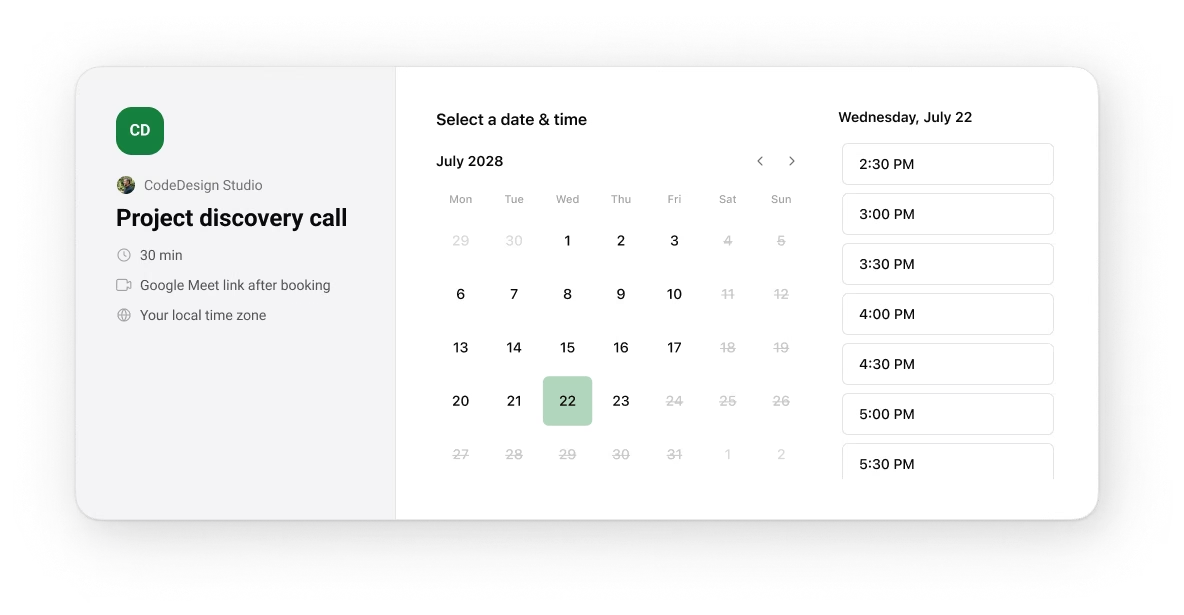
Let clients book time without the back-and-forth. Set your availability, connect your calendar, add video meeting links, and embed a branded booking calendar wherever people find you.

"I just generated a decent-looking website with AI. Web dev is going to change a whole lot, it’s crazy"
HOW ONLINE APPOINTMENT SCHEDULING WORKS
Four steps. Then send the link.
01
Create an event
Name the meeting, choose its length, and decide whether it is private or open to a group.
02
Set your hours
Choose the days you take meetings. Add a different schedule when one week does not look normal.
03
Connect your Calendar
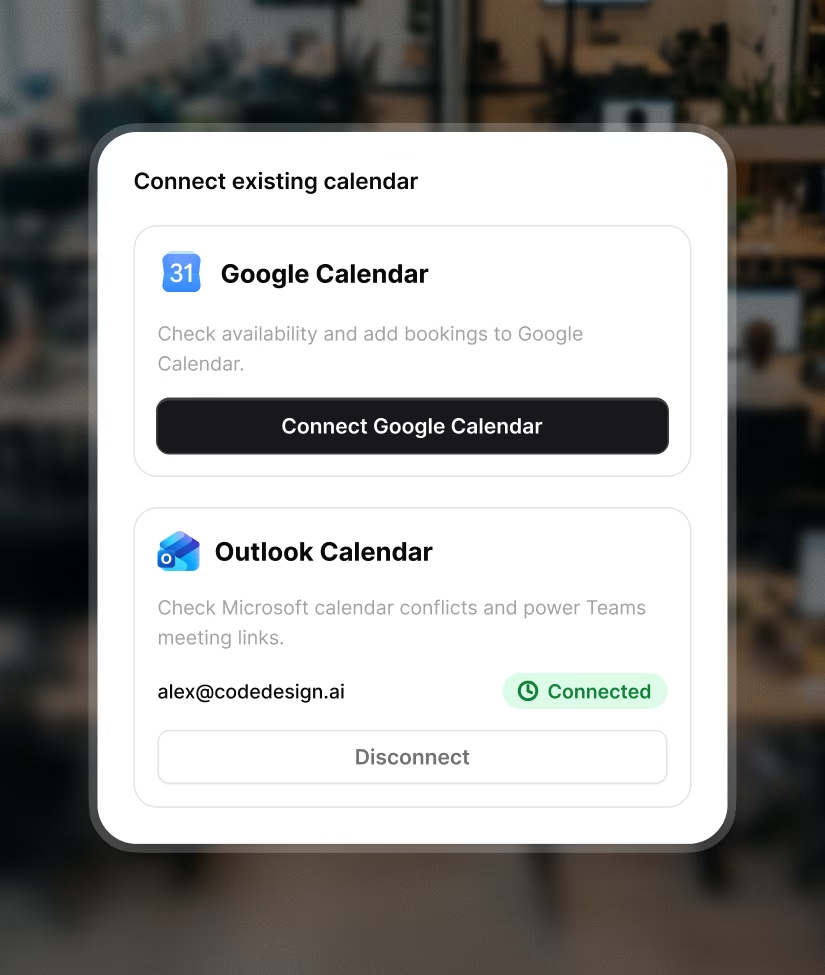
Check Google or Outlook for conflicts. Add a video link when the meeting is remote.
04
Publish the page
Share the booking link, or add the calendar directly to your website.
A booking page should do a few things well
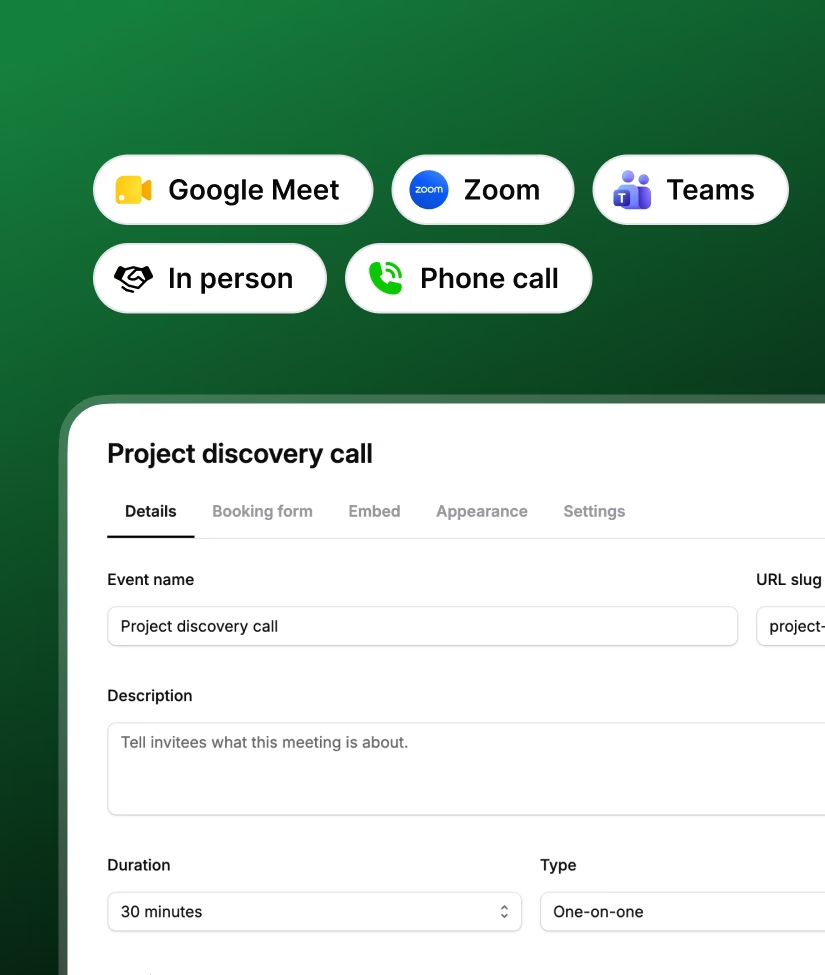
A 15 minute introduction call should not use the same rules as a group workshop. Give each event its own duration, location, form, and booking URL.
EVENT TYPES
Make each booking page fit the meeting
A 15 minute introduction call should not use the same rules as a group workshop. Give each event its own duration, location, form, and booking URL.

Choose a private or group event
Set the duration and booking capacity
Meet by video, phone, or in person
Ask a question before the visitor books
AVAILABILITY
Keep the odd week from wrecking your schedule
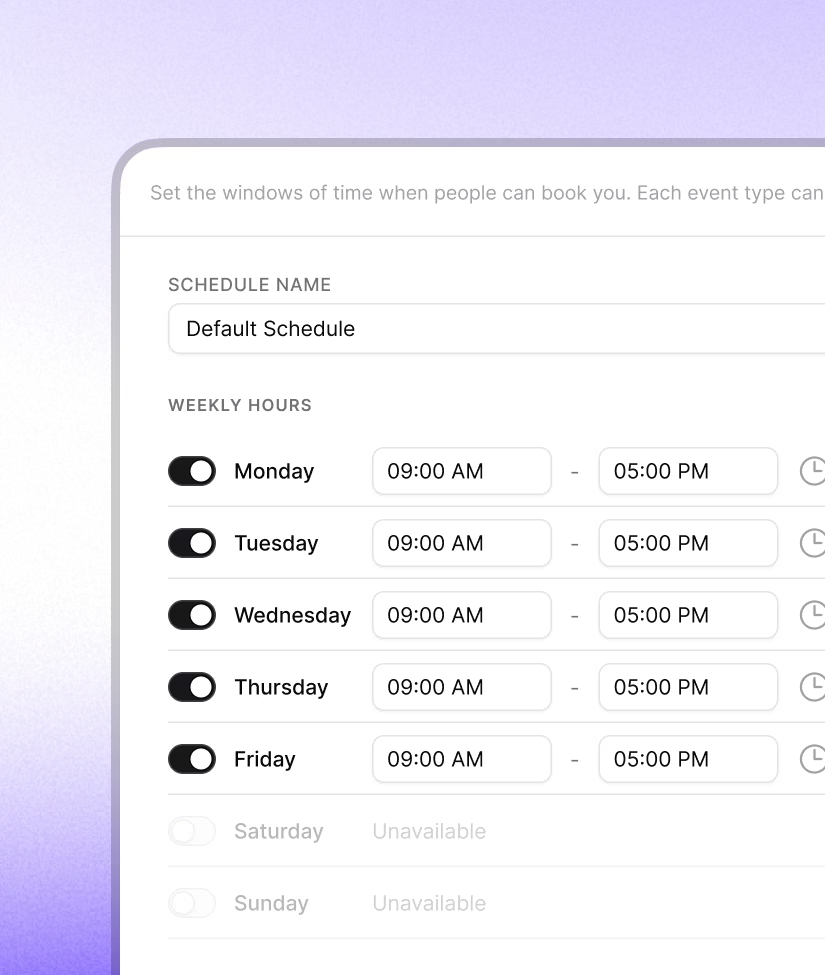
Start with your usual working hours. When a holiday, school pickup, or travel day changes the plan, use a date override instead of rebuilding the whole week.
Save more than one weekly schedule
Set the correct time zone
Add time before or after a meeting
Control notice, booking horizon, and daily limits
EXPORT
Put booking where the decision happens
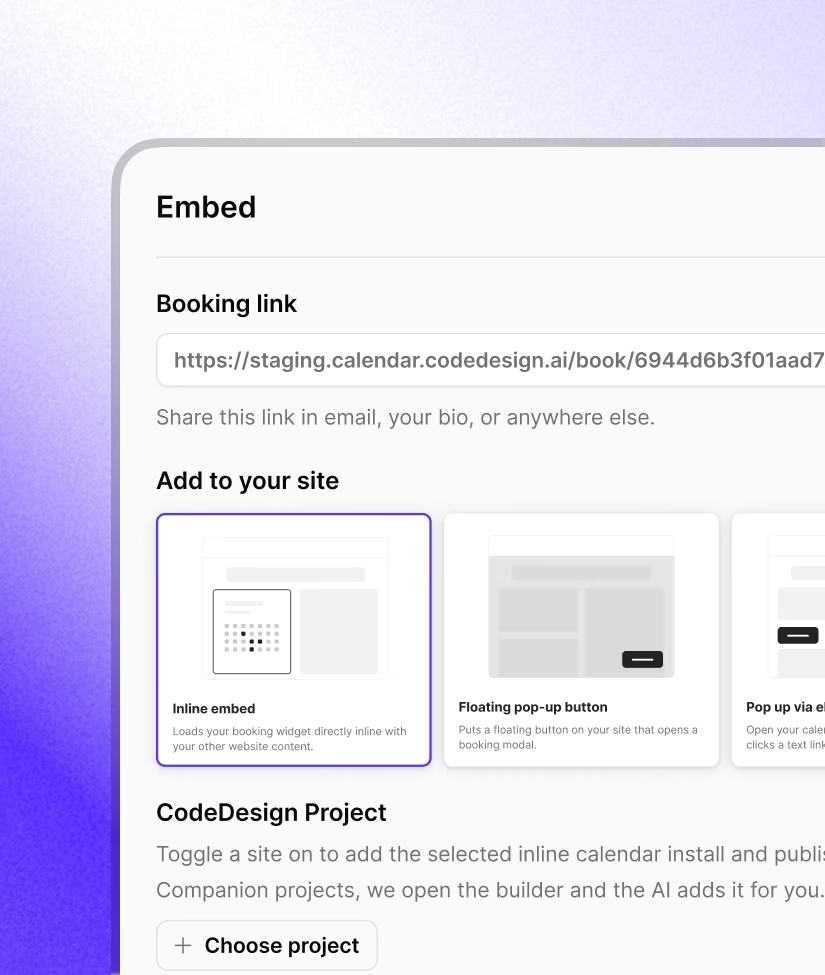
Keep a website booking calendar next to your service, demo, or contact page. Visitors can choose a time without opening another tab.
Add an inline calendar to the page
Use a floating button that stays within reach
Open the calendar from your own button
Install on CodeDesign or another website
Grow
Let your calendar do the checking
Connect your domain and CodeDesign.ai crawls the whole site. It scores your SEO health, flags every error, warning, and notice (missing H1s, duplicate titles, missing meta and OG tags, thin content), and tracks the fixes over time. No separate crawler subscription needed.
Check Google Calendar for conflicts
Check Outlook Calendar for conflicts
Create Zoom, Meet, or Teams links
Send booking events through a webhook
Made for work that starts with a conversation
Create a different booking page for each service or meeting you offer.
What is online appointment scheduling software?

It gives people a booking page where they can see your open times and choose one. CodeDesign can check your connected calendar, collect the details you ask for, and add the confirmed appointment to your calendar.
Can I put the booking calendar on my website?
Yes. Add an inline calendar, a floating booking button, or a pop-up. You can add it to a CodeDesign project or use the provided install option on another website.
Which calendars and video tools can I connect?
CodeDesign supports Google Calendar and Outlook Calendar for conflict checking. For video calls, you can connect Zoom, Google Meet, or Microsoft Teams.
Can I create different appointment types?
Yes. Each event can have its own name, booking URL, duration, location, group capacity, form questions, availability schedule, and scheduling rules.
How does CodeDesign check for calendar conflicts?
Connect Google Calendar or Outlook Calendar. CodeDesign checks that calendar before it shows available times on your booking page.
Can people book a group session?
Yes. Choose the group event type and set the number of people who can book the same time slot.
Can I change how the booking page looks?
Yes. Choose an accent color and a light, dark, or automatic theme. Paid plans can hide the "Powered by CodeDesign" label.
