Plumber website builder for local plumbing firms.
Write down the jobs you take, the towns you cover and your call-out hours. That is your prompt.
What should a plumbing website show first?
Most people find a plumber with water already on the floor. They look for three things before they scroll.
- A phone number at the top of every page that dials when tapped
- The towns and postcodes or ZIP codes you cover
- Whether you answer at night and at weekends, and what a call-out costs
Put all three in the header of every page, not on the contact page. Someone holding a towel against a pipe under the sink will not go looking for them.
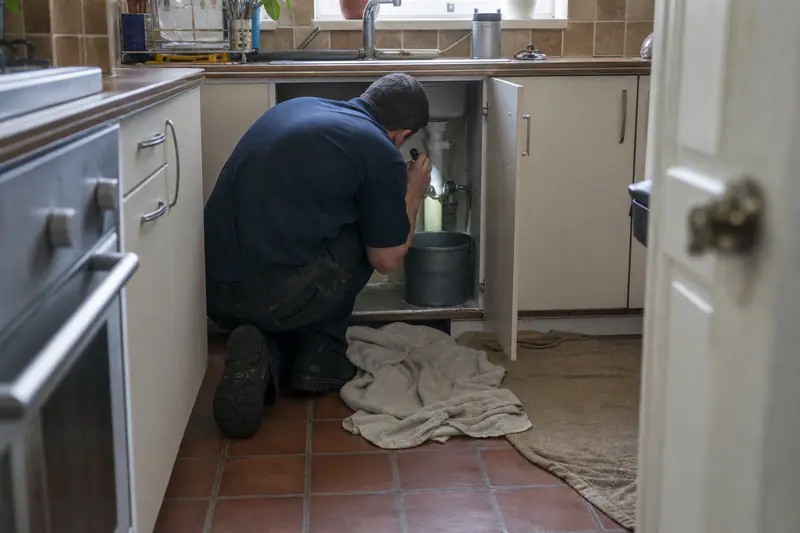
Show the registration customers check before they let you in
You are going into someone's home. Put the proof that matters where you work next to your phone number.
Gas work in the UK
Your Gas Safe Register number. Customers can check an engineer's ID card against the register online.
Water fittings in the UK
WaterSafe membership or your approved contractor scheme, if you hold one.
Plumbing in the US
Your state or city plumbing licence number and proof of liability insurance. Many states let customers look a licence up online.
Plumbing in Germany
Your entry in the Handwerksrolle and your liability insurance; other EU countries have their own trade register.
Do I need a page for each town?
People search for a job and a place: blocked drain in Leeds, water heater repair in Columbus. Give each its own page.
-
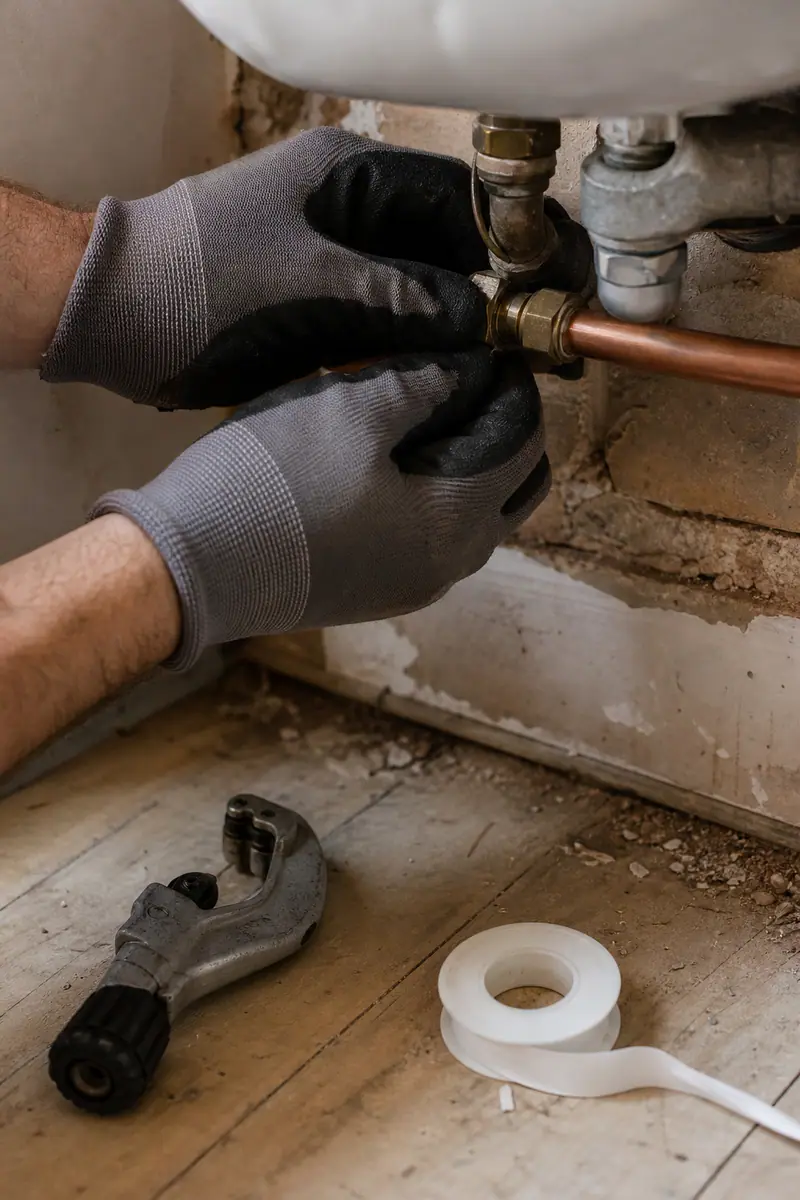
One page per job you want more of
A boiler service page, a blocked drain page, a bathroom fitting page. Each with its own title, photos of your own work and a price guide if you give one. Someone searching for a boiler service then lands on that page, not on your home page.
-
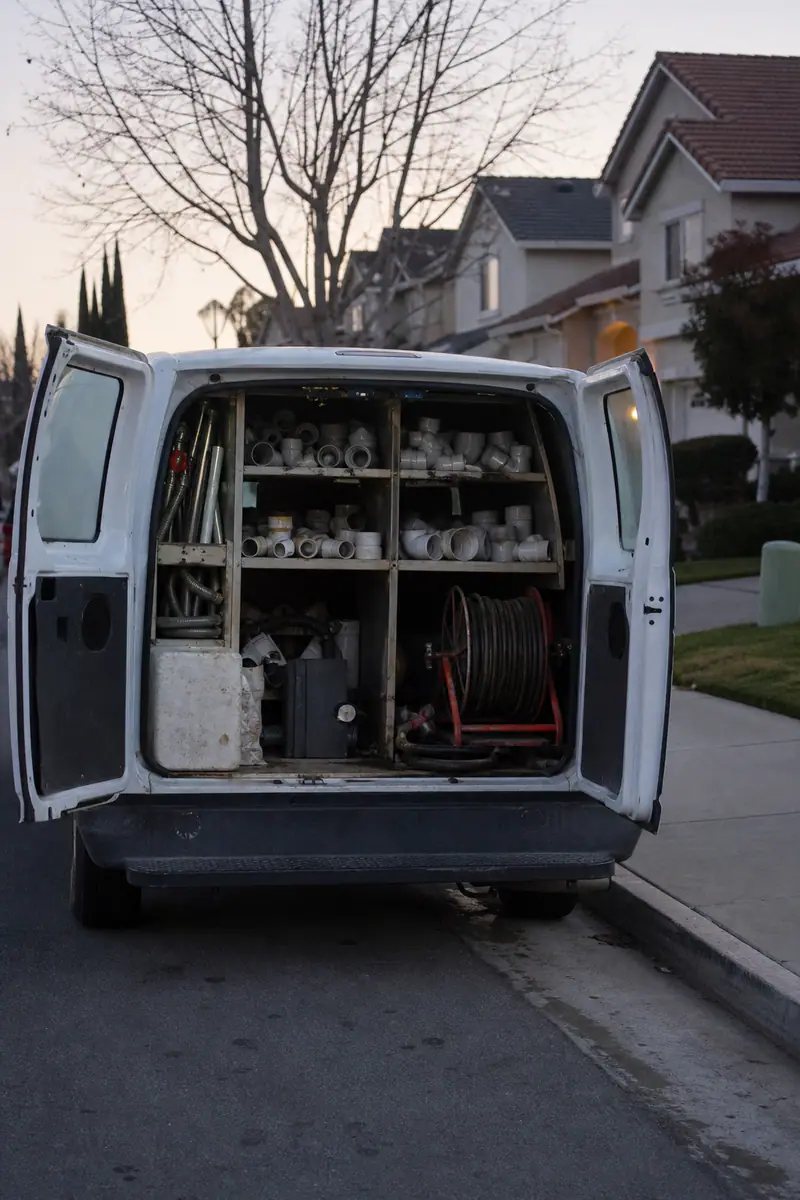
A page for each town you drive to
Name the towns, the jobs you have done there and how fast you can get there. Skip towns you never visit; customers notice. A page that only swaps the town name helps nobody.
-
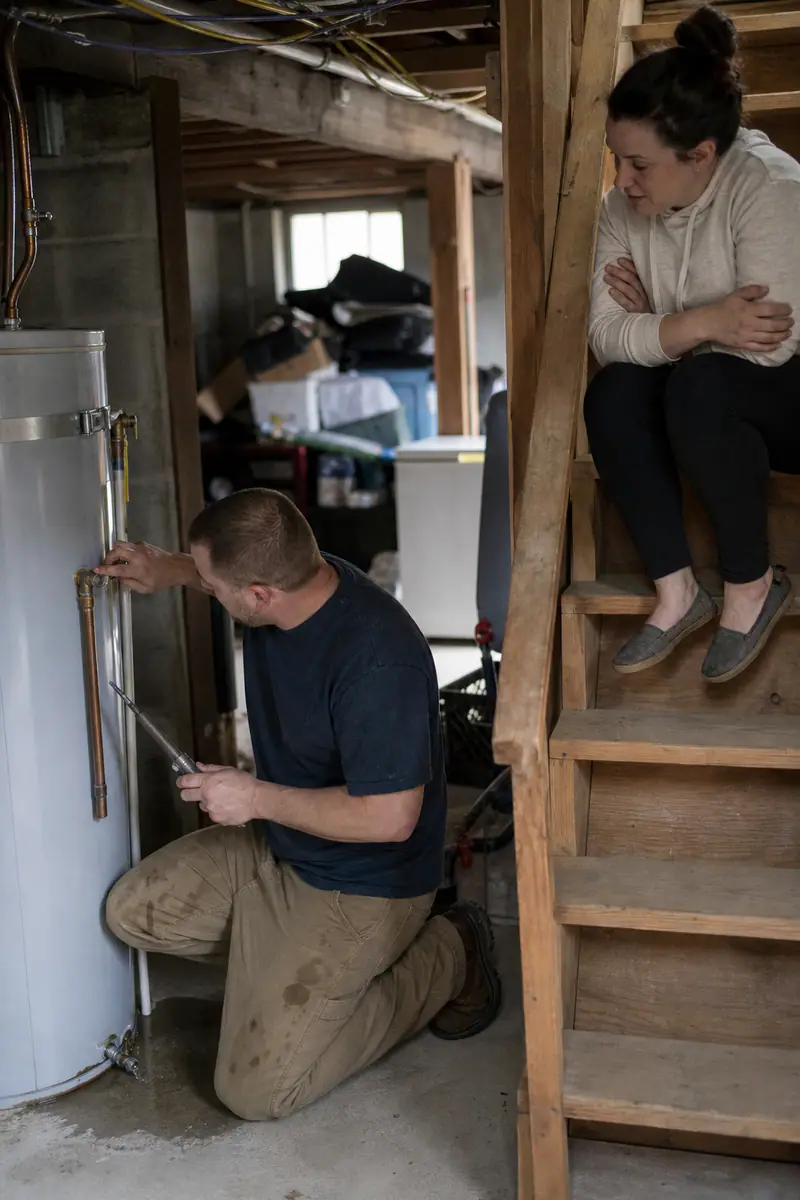
Reviews from real jobs
Ask after each finished job and show the first name, town and work done. Use the same business name, address and phone as on your Google Business Profile, so search engines can tell the two belong together.
How to build a plumbing website with CodeDesign
Three steps from the notes on your phone to a site you can put on your van.
- 01
Write one prompt
Your services, the towns you cover, call-out hours and registration numbers, in plain words. Type it into the box at the top of this page, or start from the plumbing website templates.
- 02
Check every line
Correct prices, hours and numbers. Swap stock photos for pictures of your own jobs and look at it on your phone.
- 03
Publish and share the address
Put it on your Google Business Profile, your quotes, your invoices and your van.
Plumber website questions
Something else? Ask us or book a demo.
What should a plumbing website include?
A phone number at the top of every page that dials when tapped, the towns you cover and your night and weekend hours. Then your Gas Safe, WaterSafe or licence number, a page for each job you want more of, and reviews from real jobs.
How much does a plumber website cost?
On CodeDesign, the Individual plan is $15 a month and Growth is $29 a month. Growth and Scale billed yearly include a free domain for one year. See the pricing page for every plan.
Do I need a page for each town?
For each town you actually drive to, yes, with something real about it: jobs you have done there and how soon you can get there. A page that only swaps the town name helps nobody.
Can I start from a plumbing template?
Yes. There are 2,000+ templates, plumbing ones among them. Browse the plumbing website templates and pick the layout closest to how your business works.
Can I change the site by chat after it is built?
On Growth and Scale, the AI Companion edits the site from chat instructions, such as new text, a new style or a new service section. Each edit uses AI credits.
Build your plumbing website
Describe your business and the area you cover. Change anything before you publish.
Or browse the plumbing website templates.