Gym website design that fills your classes.
Name your gym and your town, tick what members ask for, and the builder drafts the whole site.

The pages a new member checks before joining
Nobody joins a gym from the home page alone. People look at the classes, the timetable and the price, then decide. Each tab is one of those pages on the same example site.
-
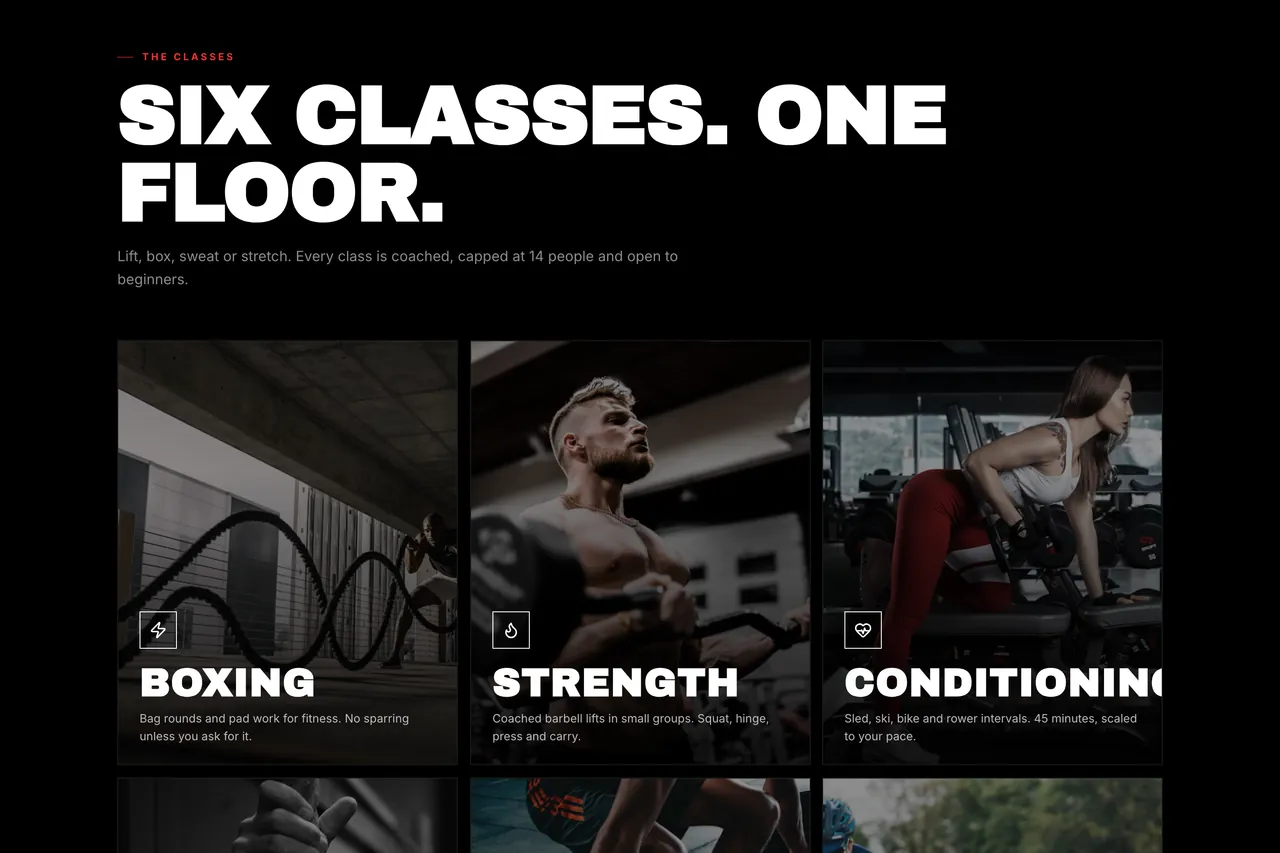
Classes What each class is, who it suits and how hard it gets. -
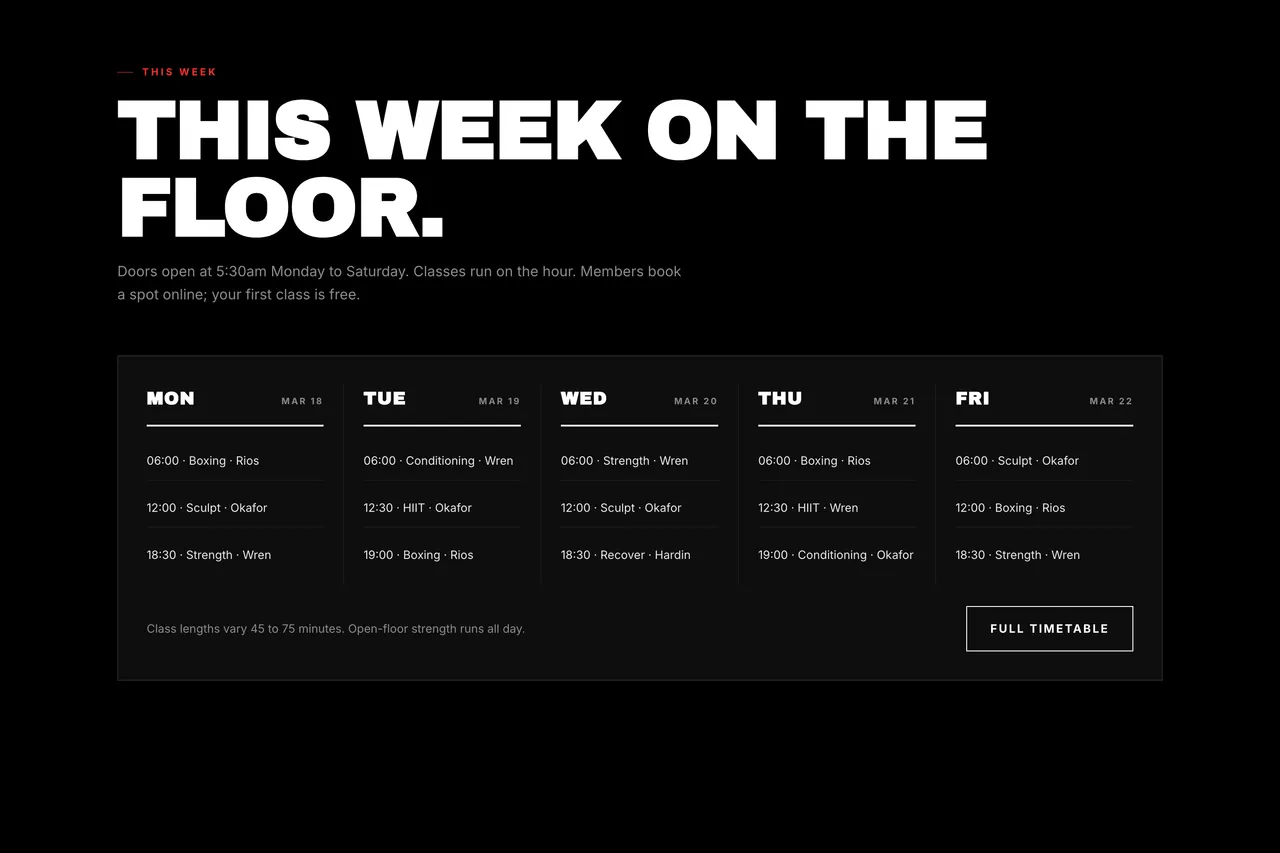
Timetable The week at a glance, with the coach beside every class. -
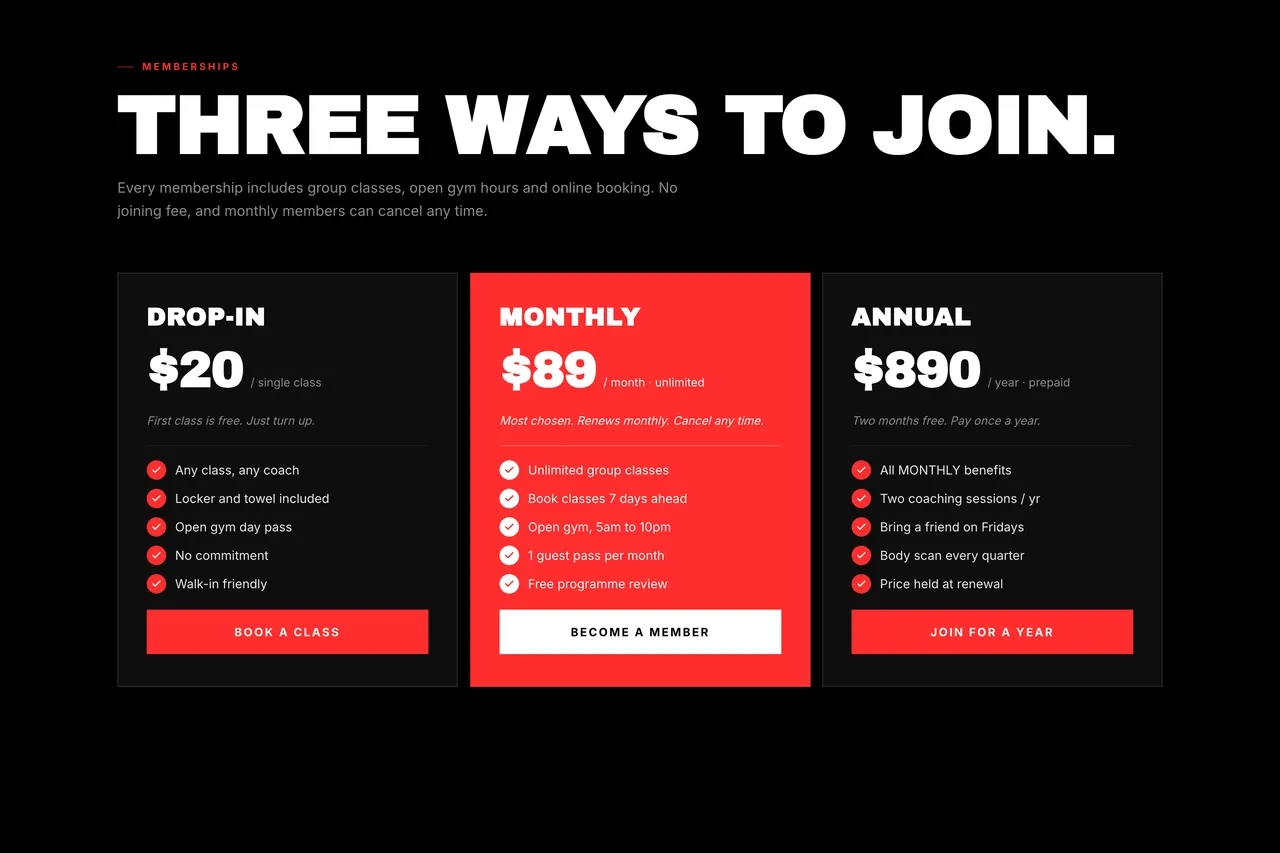
Membership Drop-in, monthly and annual prices side by side, with what each includes. -
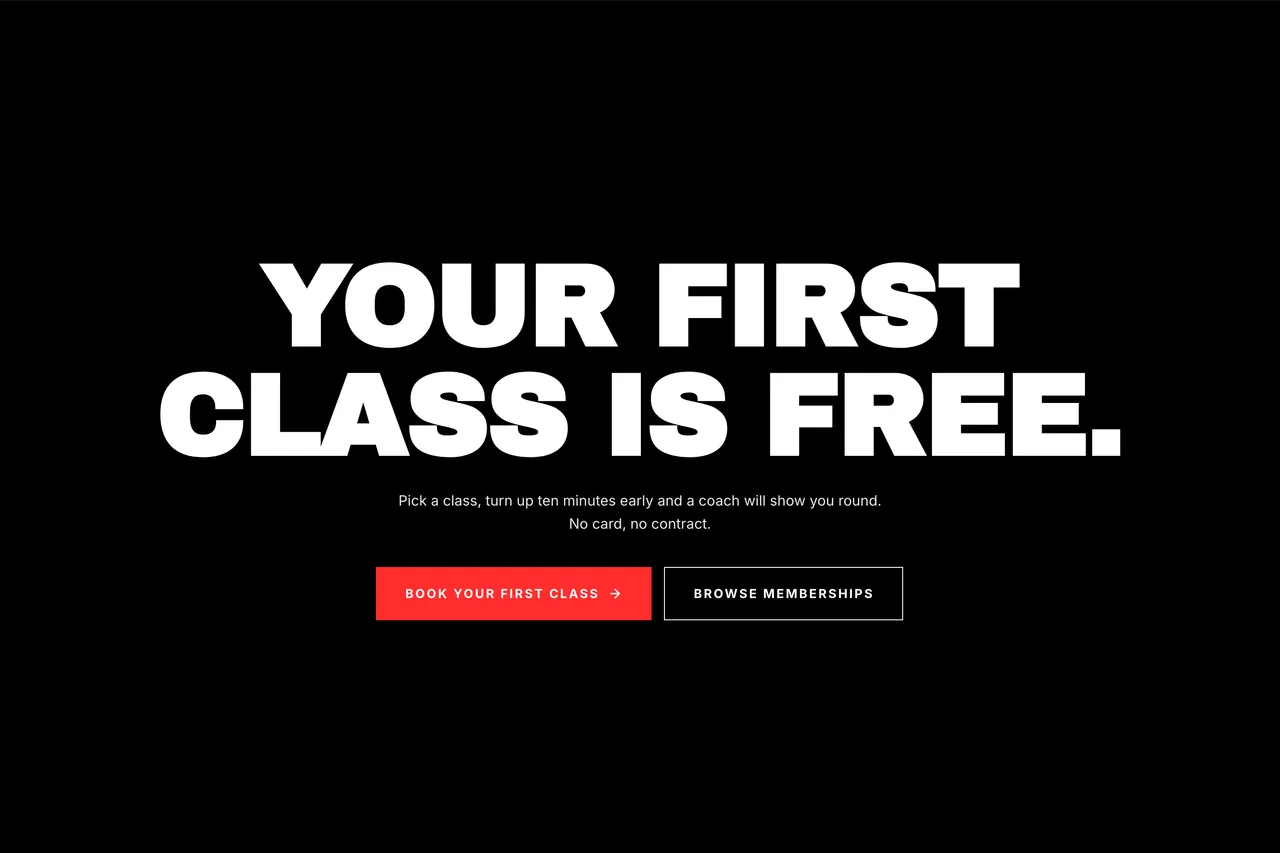
Free trial One clear offer and one button, for visitors ready to try a class.


What a gym website does once it is live
A gym’s site has three jobs: get found by people nearby, turn a visit into a trial, and stay easy to update when the timetable changes.
Get found
Search settings done for you
Page titles, descriptions, a sitemap and schema come with every plan, so search engines can read your class and membership pages.
A domain with your gym’s name
Connect your own domain on a paid plan. Growth and Scale plans billed yearly include a free domain for the first year.
See where members come from
Built-in analytics show your visitors, where they came from and which pages they read before booking a trial.
Fill classes
Every page drafted for you
The builder drafts the whole site from your sentence: classes, timetable, membership and contact, all of it editable.
Trials booked online
A booking calendar lets new members pick a time for a trial session or a tour of the gym. On Growth and Scale.
Answers after closing time
An AI chatbot trained on your own pages answers questions about prices, parking and opening hours, day and night. On Growth and Scale.
Keep it current
Edit by clicking
Change a class time or a price in the drag-and-drop editor, and check how each page looks on desktop, tablet and phone.
Or ask in a message
On Growth and Scale, the AI Companion edits the site from a chat message, like “add a Saturday yoga class”. Each edit uses AI credits.
Let the team in
Add the coaches and front-desk staff who keep the site up to date: 5 collaborators on Individual, 15 on Growth, unlimited on Scale.
Gym website templates to start from
These are real CodeDesign templates for gyms and studios. The example above uses Ironpound, made for strength and boxing gyms. Pick one, then change the words and photos to your own.


How to create a gym website with CodeDesign
Three steps from the sentence at the top of this page to a site you can put on the front door.
Complete the sentence
Your gym’s name, the kind of gym it is and your town. Tick the extras you want, like a timetable or a free trial page.
Review the draft
The builder writes every page. Add photos of your own floor, set your real prices and class times, and delete what you do not offer.
Go live
Publish on a free codedesign.app address, or connect your own domain on a paid plan. Then put the link in your Instagram bio.
Loved by 500K+ creators and small businesses
Showing our 5 star reviews from Trustpilot and G2.
-
A Great Website Builder for Non-Technical Business Owners
I recently created my first website using CodeDesign.ai, despite having no knowledge of coding, programming languages, or web development. The platform made the entire process remarkably simple and intuitive. As a business owner rather than an IT professional, I found CodeDesign.ai to be an excellent solution for creating a professional-looking website quickly and efficiently.
Henry Seeton Jun 9 2026, from Singapore -
Exactly what we needed to get online
We used CodeDesign.ai to build our website for our clinic, and honestly, it’s been a lifesaver! Their platform made it possible for us to create and launch our own site something we’d been trying to do for months. Before finding CodeDesign, we actually paid a lump sum to someone who promised to build our site and delivered nothing. So finally being able to do it ourselves feels amazing.
Jae Chris, USon Nov 3 2025, from United States -
Game Changer for Web Development!
I’ve been using CodeDesign.app for a recent project, and I have to say, it is hands down one of the most impressive AI website builders I’ve come across.
• Speed: Go from idea to live site in minutes.
• Code Export: The generated code is surprisingly clean and easy to work with if you need to host it elsewhere.
• Customisation: You aren’t locked into rigid templates; the editor gives you full control over colours, fonts, and layout.
SJ Parker, AUon Nov 11 2025, from Australia
Gym website design questions
Something else? Ask us or book a demo.
What should a gym website include?
The classes you run, a timetable, membership prices, your address and opening hours, and one clear way to try a session. Add coach profiles, photos of the real floor and reviews from members, and keep the join button in the header.
How much does gym website design cost?
You can start free, with no credit card, and publish on a yoursite.codedesign.app address. Your own domain needs a paid plan; the Individual plan is $15 a month. See pricing for every plan.
Can I design a gym website without a designer?
Yes. Complete the sentence at the top of this page and the AI website builder drafts each page. You then change the words, prices and photos by clicking on them.
Should a gym website show membership prices?
Usually, yes. Visitors compare gyms on price before they visit, and a page without prices makes that harder. If you would rather talk first, show a from-price next to a free trial button.
Can new members book a free trial online?
Yes, on the Growth and Scale plans. The booking calendar lets visitors pick a time for a trial session or a tour. See appointment scheduling.
Is there a gym website template I can start from?
Yes. The library has more than 2,000 templates, including Ironpound, Joybarre, Lumosa and Keftide for gyms and studios. See the gym website templates.
How do I get my gym website found on Google?
Keep your Google Business Profile and your site showing the same name, address and hours, give each kind of class its own page, and ask members for reviews. Page titles, descriptions, a sitemap and schema are set for you on every plan.
Your gym’s website starts with one sentence.
Name the gym, the classes and the town. Change every word, price and photo before anyone sees it.
Or start from a gym template.